

Find the right document.
Enter the number, customer, or period. Fluxe searches the documents you can access and shows what it found.
Find documents, check payments, and prepare invoices in Romanian, directly in Fluxe. The AI Assistant is included in Business.
View BusinessEnter the number, customer, or period. Fluxe searches the documents you can access and shows what it found.
Say who you are invoicing and which products or services to include. Review the details and confirm separately to save a draft or issue it.
Ask about an invoice, a customer, or a period. The assistant checks the available records for your active company.
Check an invoice, a document, or financial figures while keeping the conversation in context. You can also open the app where the data comes from.
See conversation examples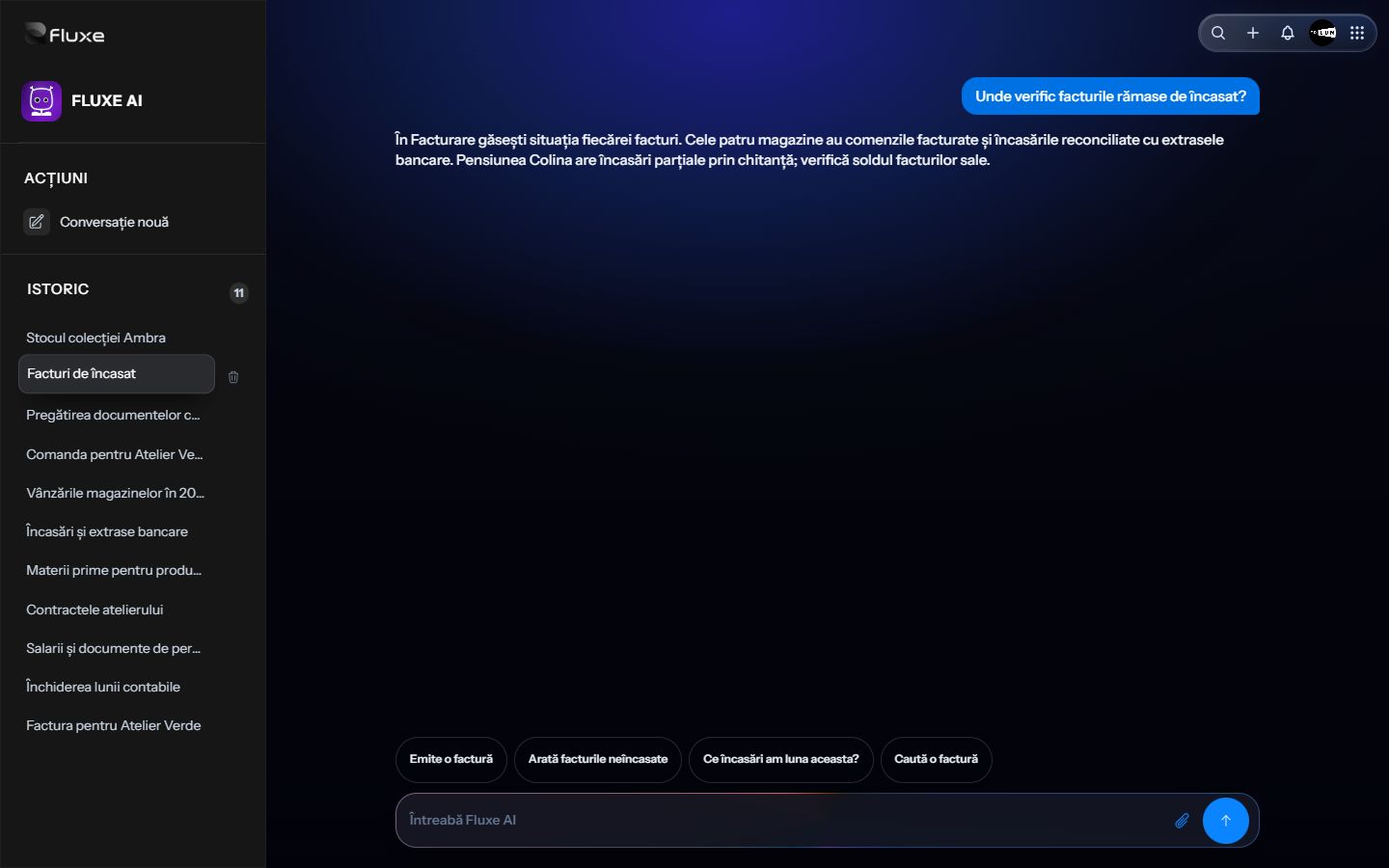
The assistant shows you where to check each invoice balance and points out partial payments.
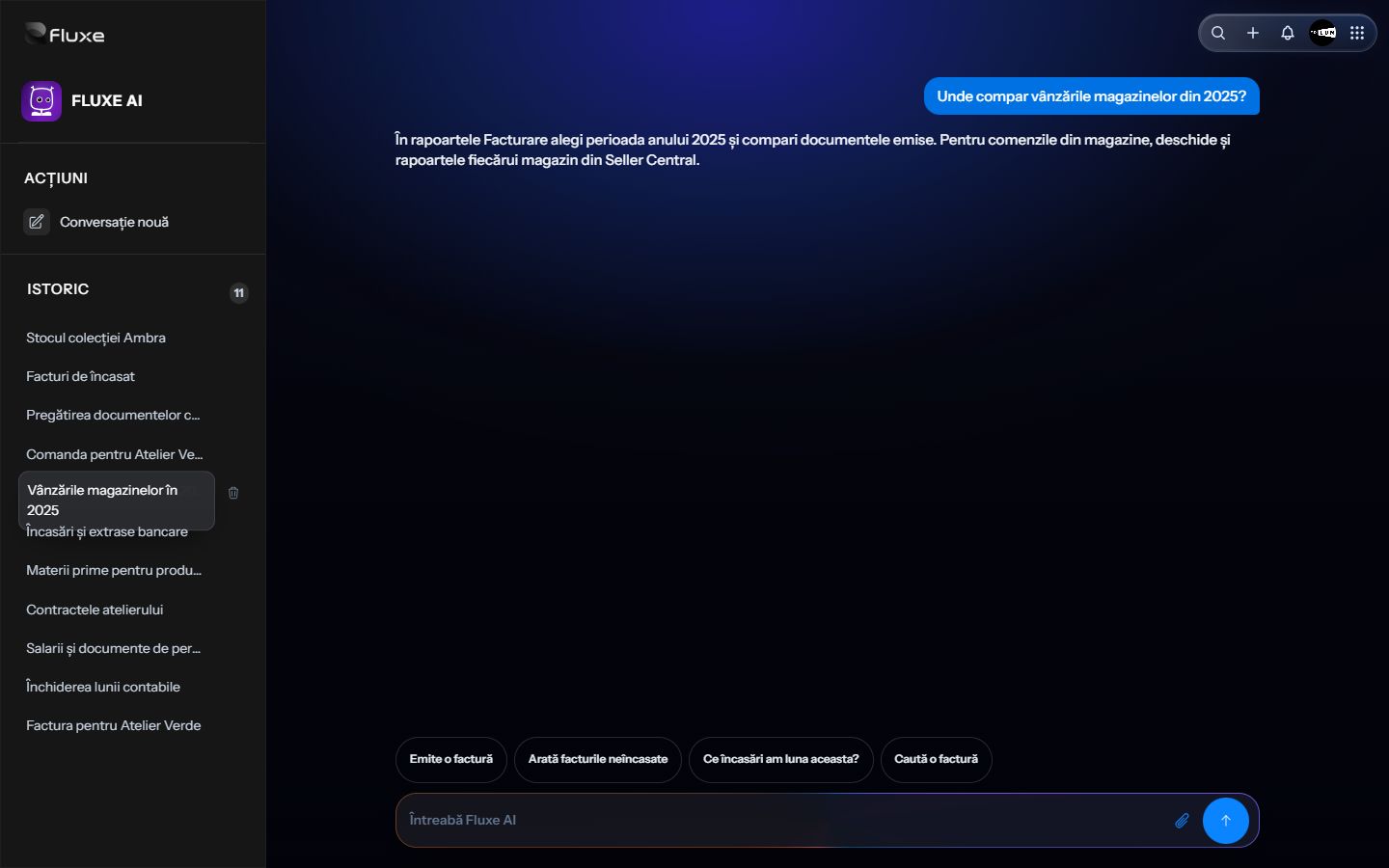
The assistant points you to reports in Billing and Seller Central for the period you asked about.
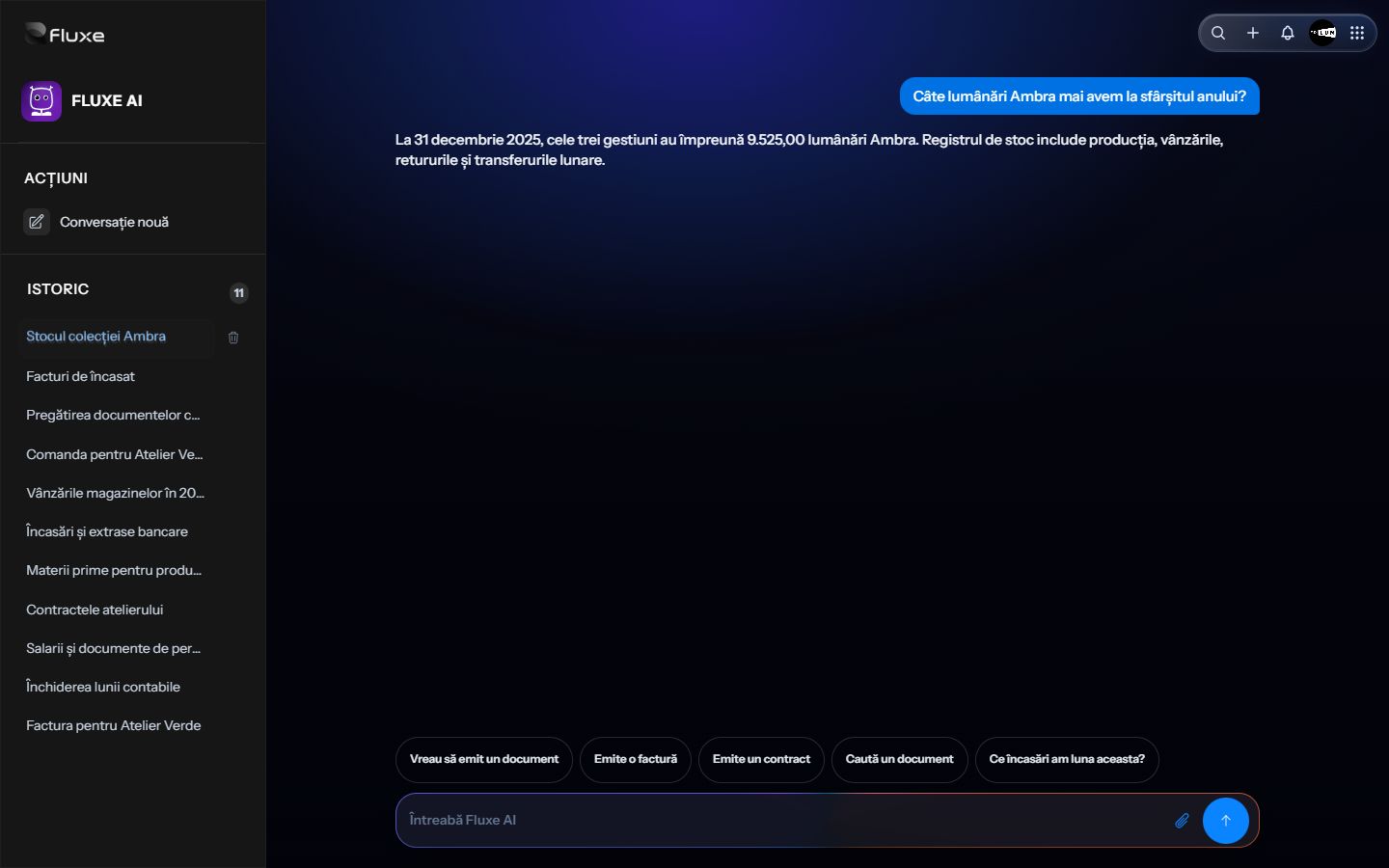
The assistant shows the total stock across three locations at the end of 2025.
AI Assistant is included in Business. If you already have access, open it directly from this page.
Documents and information from the active company, within the account's access permissions. Specify the customer, document number or period for a relevant result.
The assistant asks for the necessary information. You can continue in the same conversation and correct the proposal details before confirmation.
No. Preparation, saving a draft and issuance are separate operations. Check the company, products, quantities and amounts, then confirm the operation you want.