
Send files by link.
Group documents in a transfer and share the link and PIN, or send them to the recipient by email.
Send files and request documents through a PIN-protected link, with a configurable access period.
Document Transfer lets you send files and request uploads through a PIN-protected link. The access period is configurable, and the recipient can send or receive documents without a Fluxe account.
Group documents in a transfer and share the link and PIN, or send them to the recipient by email.
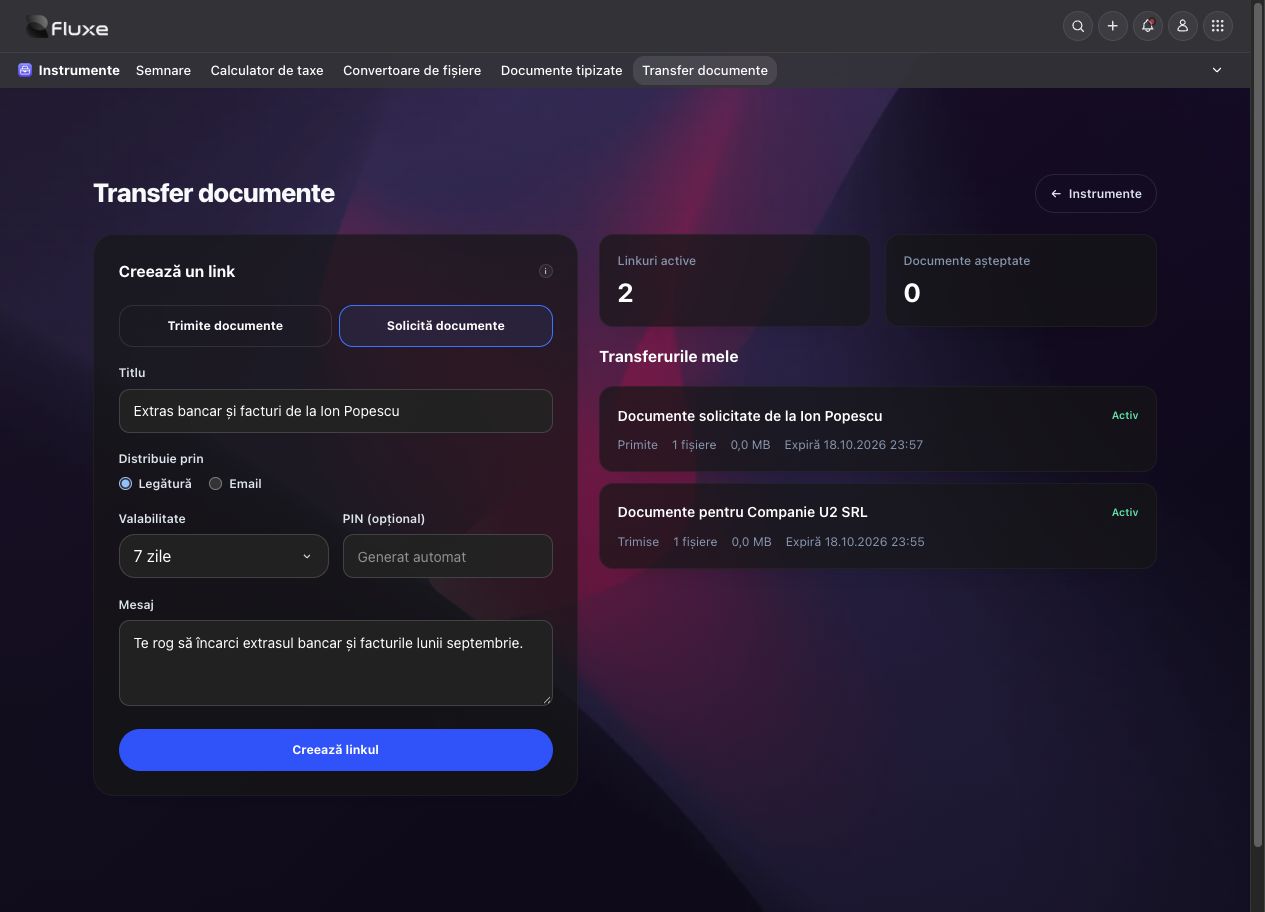
A list of required documents and an upload page that the recipient can access after entering the PIN.
Set an expiry for each link and close access when the exchange is complete. Received files are available to download in your account.
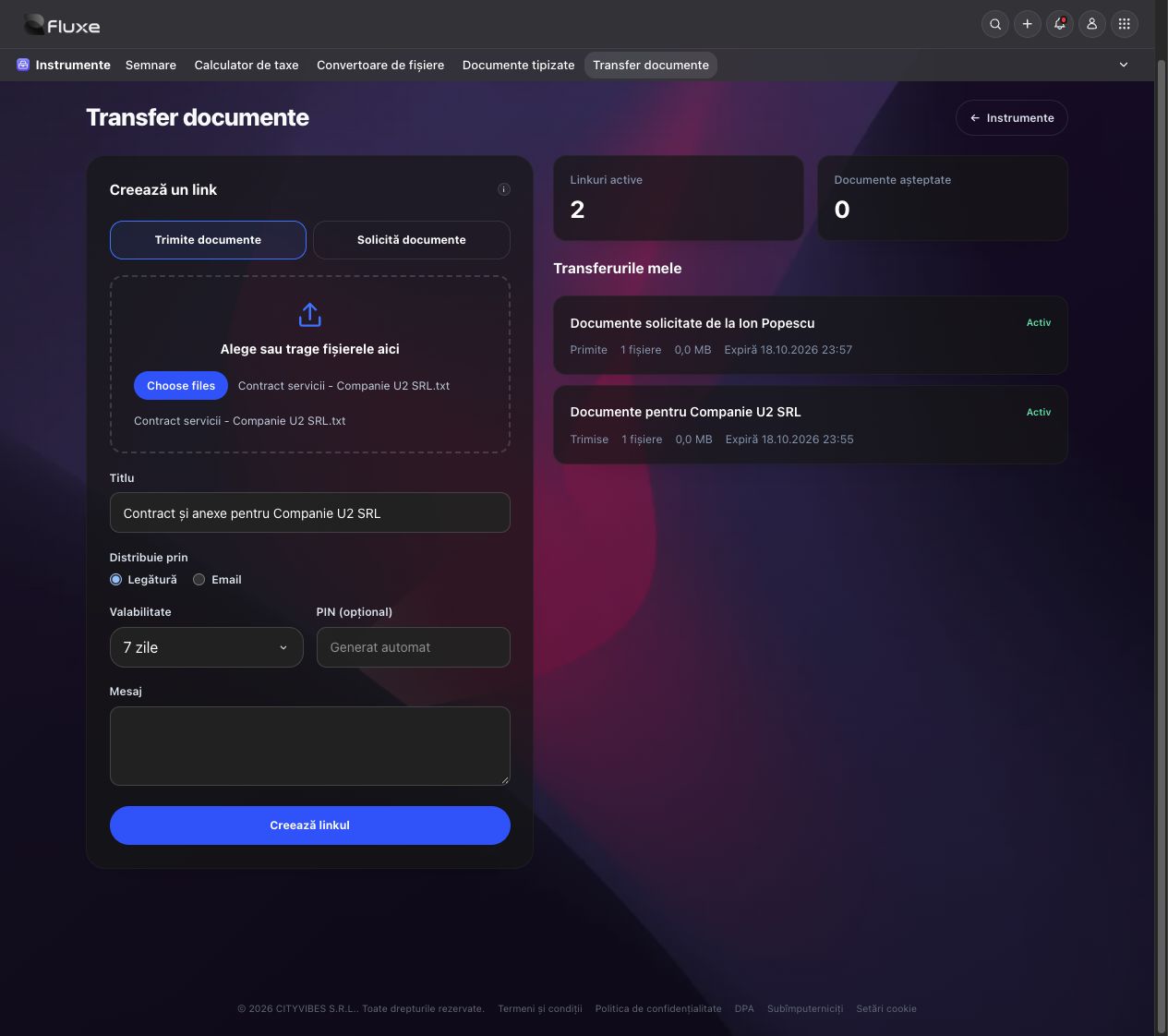
Files to send or documents expected from the recipient.
Set the validity period and check the recipient before sharing the link and PIN.
Files available in the transfer can be reviewed and downloaded.
Ask a collaborator for their September bank statement and invoices. Send them a PIN-protected upload link valid for seven days.
Prepare the contract for Companie U2 SRL and share a PIN-protected link. The recipient can download the file for seven days.
Dedicated modules for complementary activities in the same Fluxe ecosystem.
No. The link and PIN provide download or upload access during the specified period.
Yes. You can close the transfer from your account before the link expires. Files remain in your account until the transfer is deleted.
The request closes after the upload is confirmed. Additional documents require a new request. Check received files before using them.