
Document templates, ready to fill in.
Prepare contracts, offers, requests and company paperwork. Choose a template, fill in the details and review the document before downloading it.
Choose the template
Fill in and check
Save or download
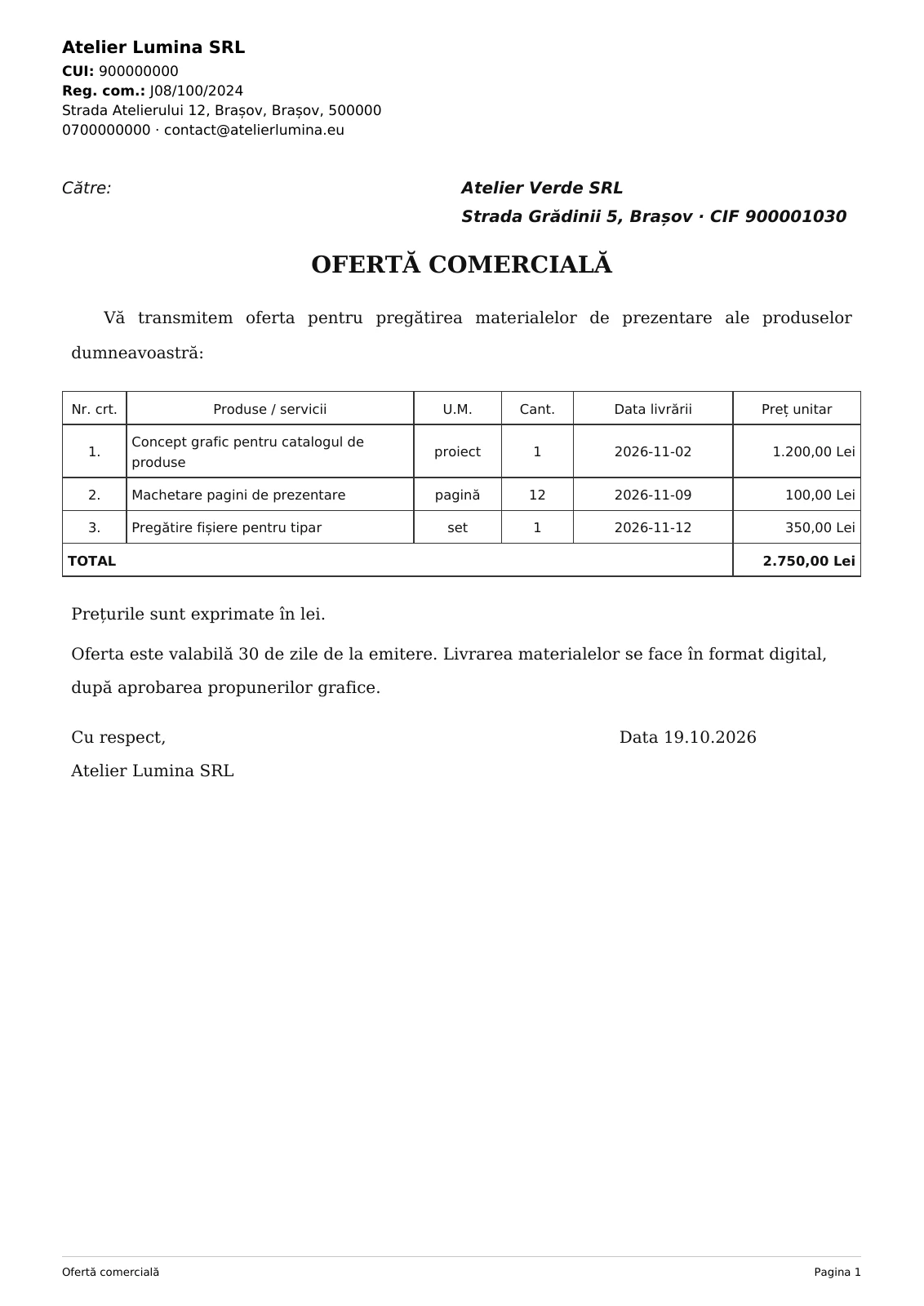
Choose a template. See the document.
These are a few of the templates available in Fluxe. The app also includes forms for staff, inventory, cash records and company administration.
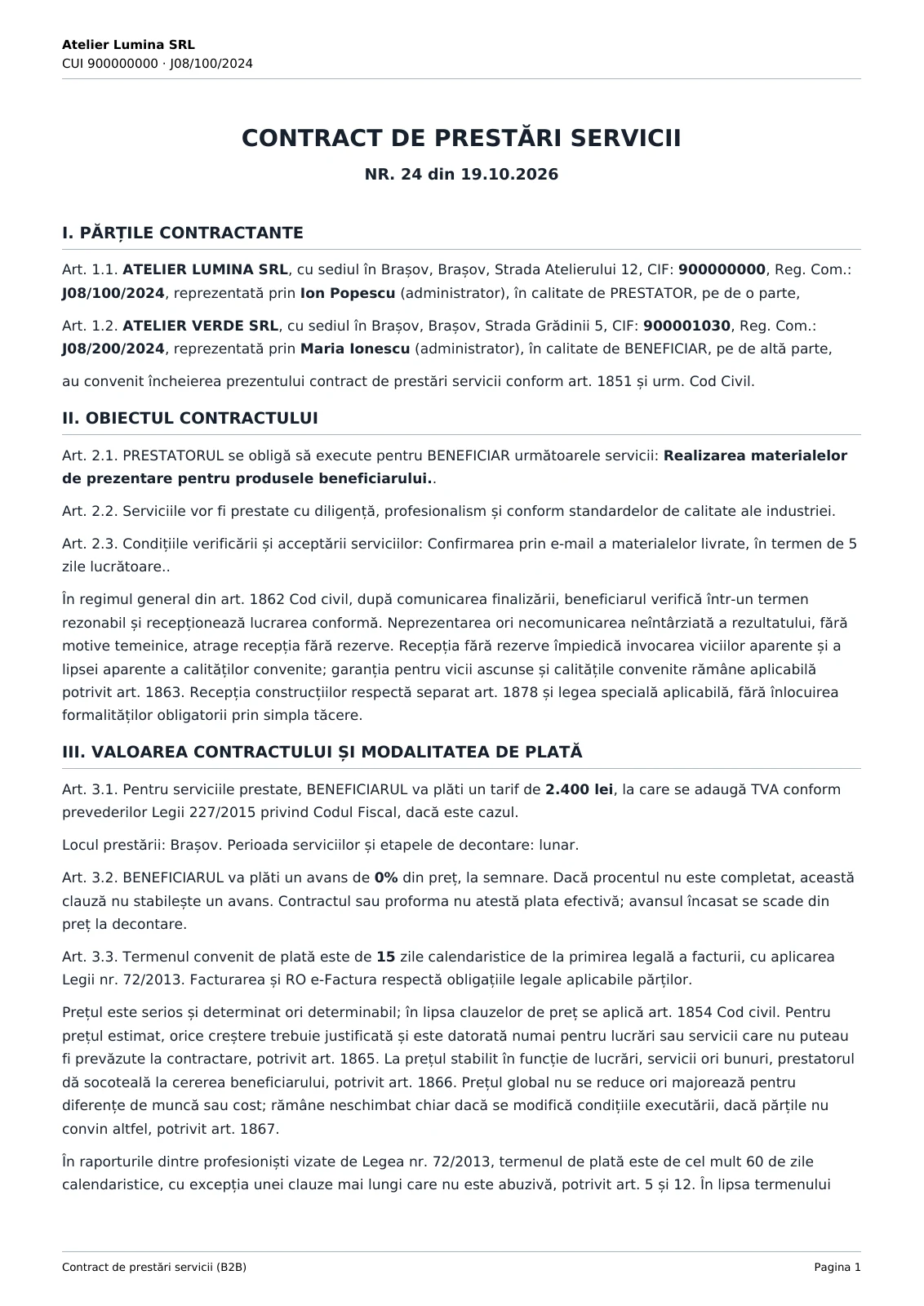
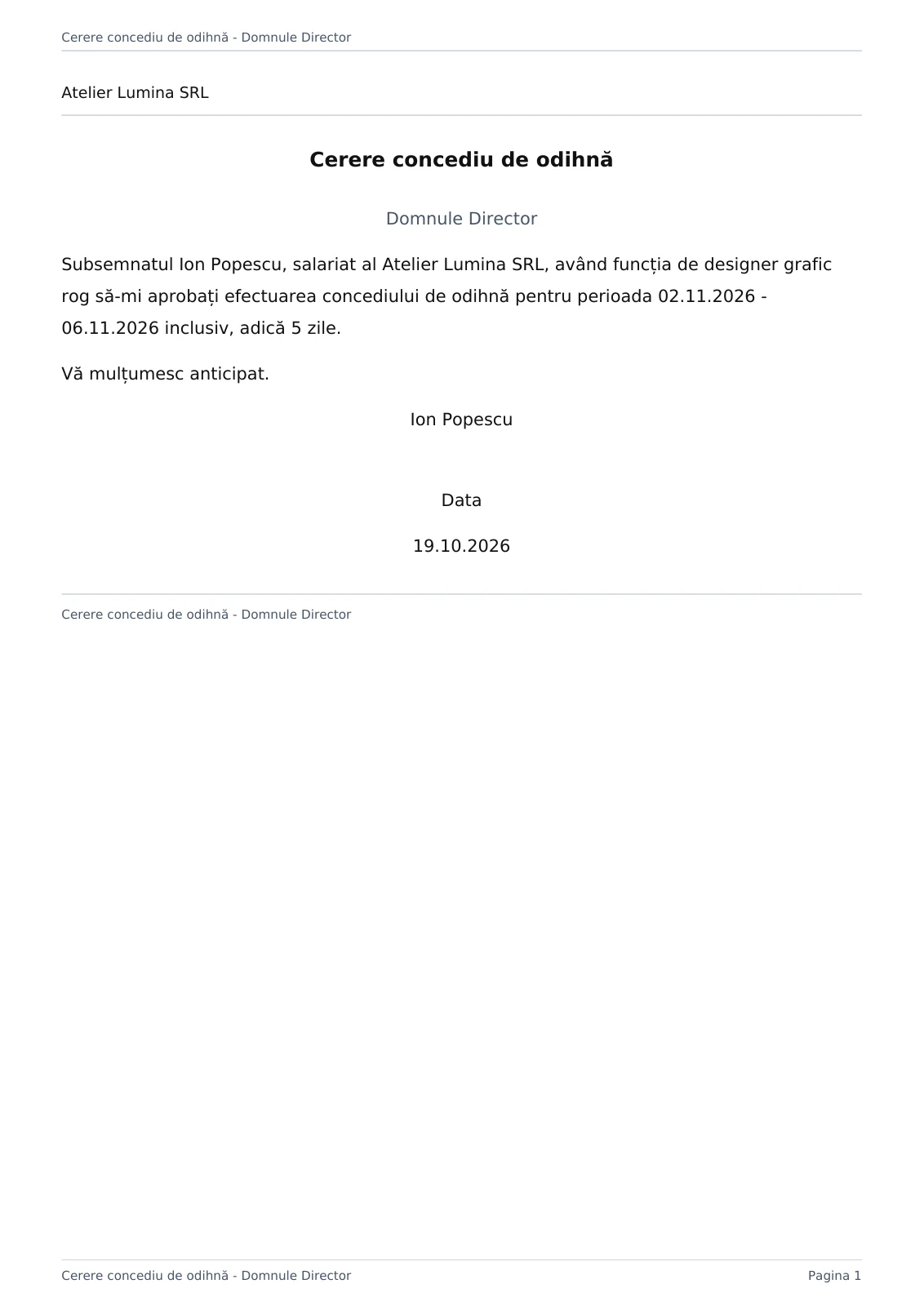
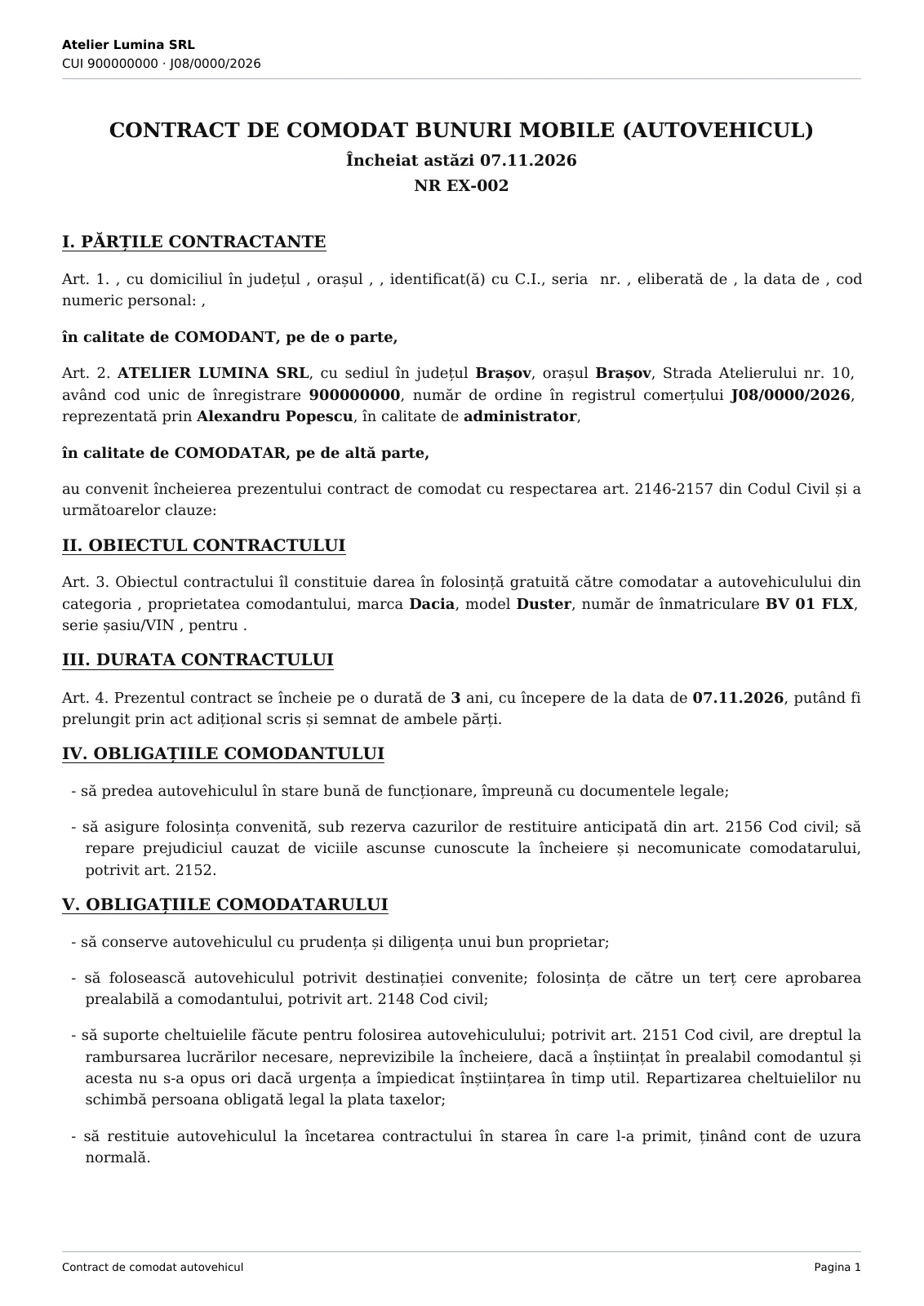
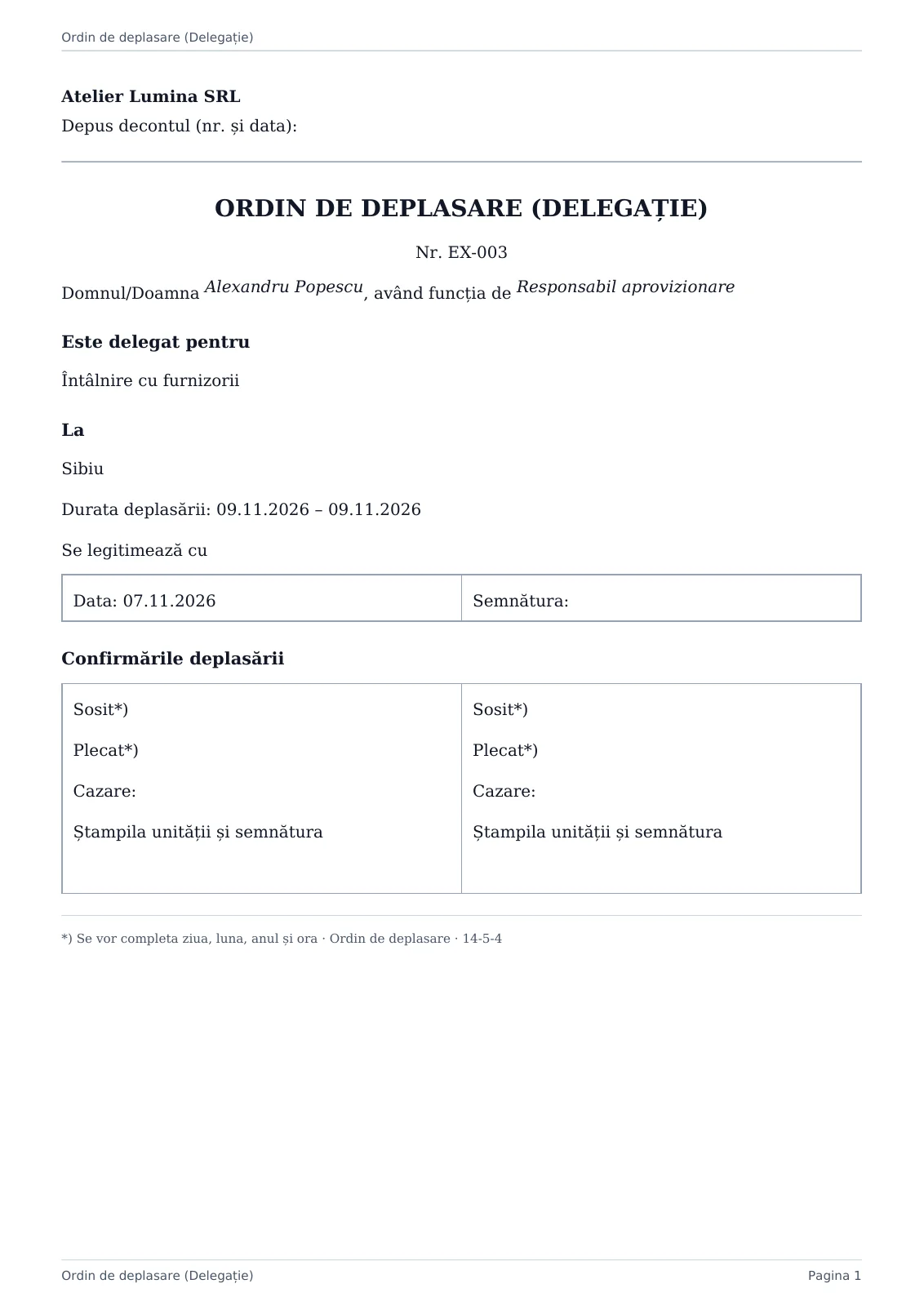
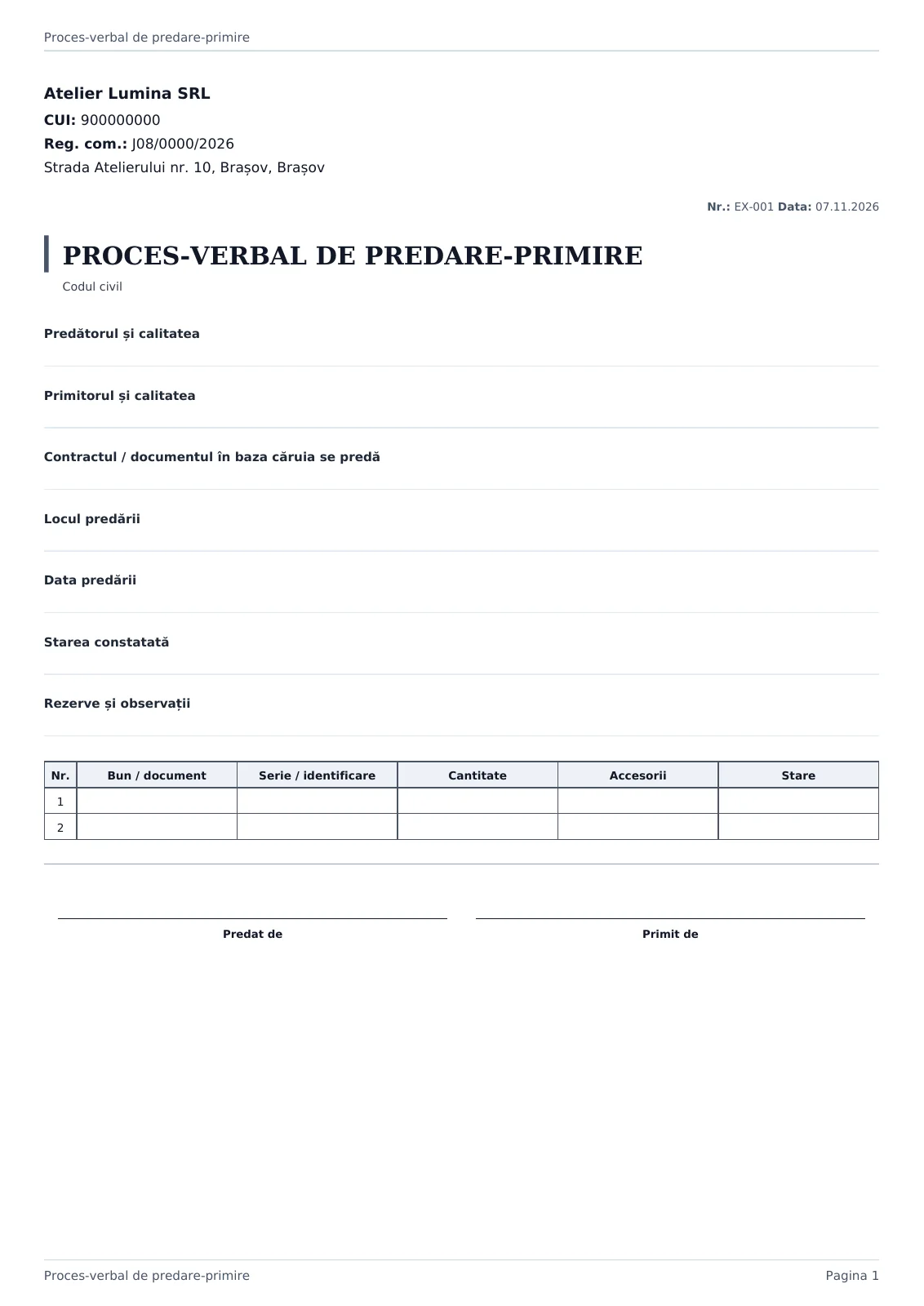
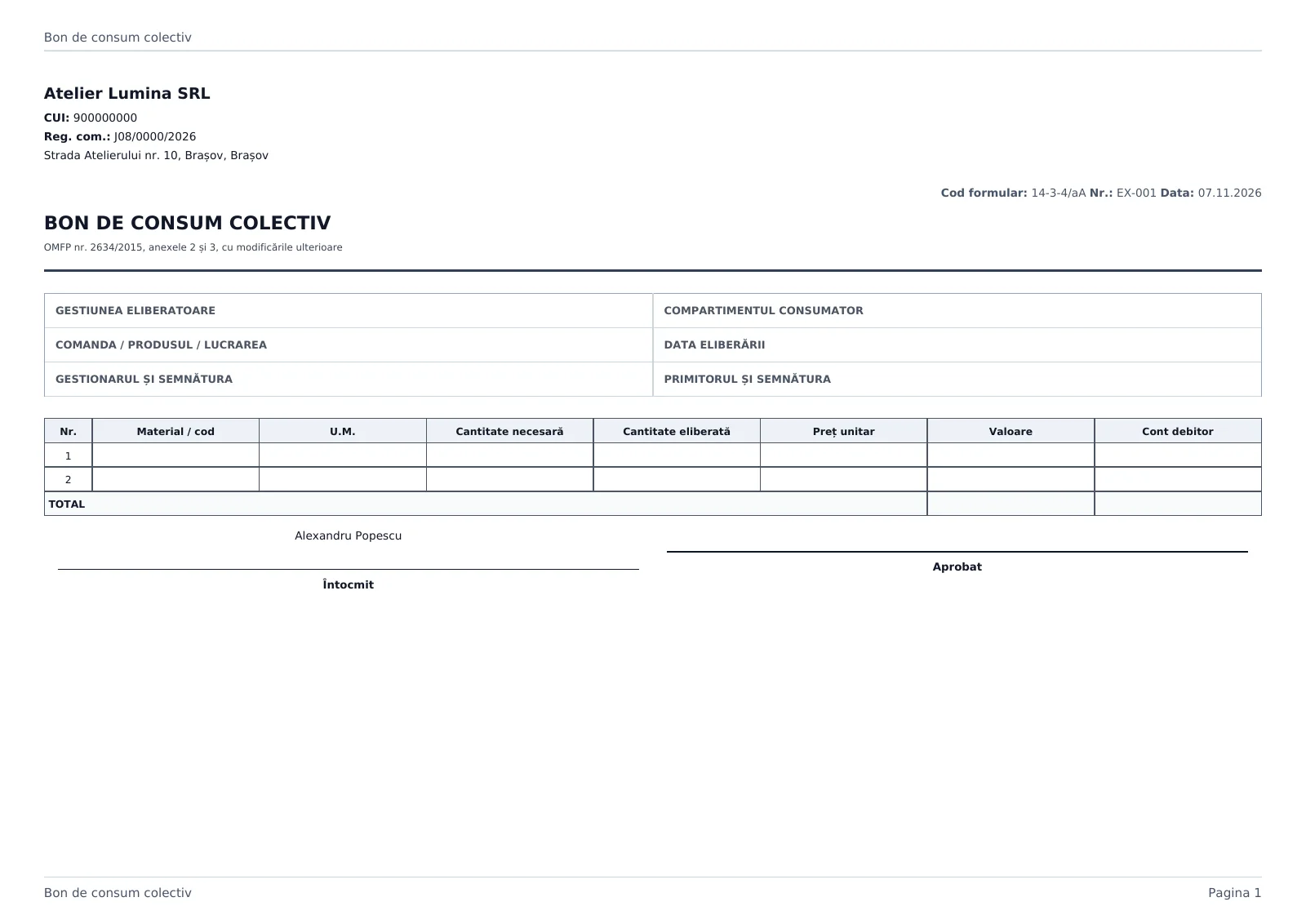
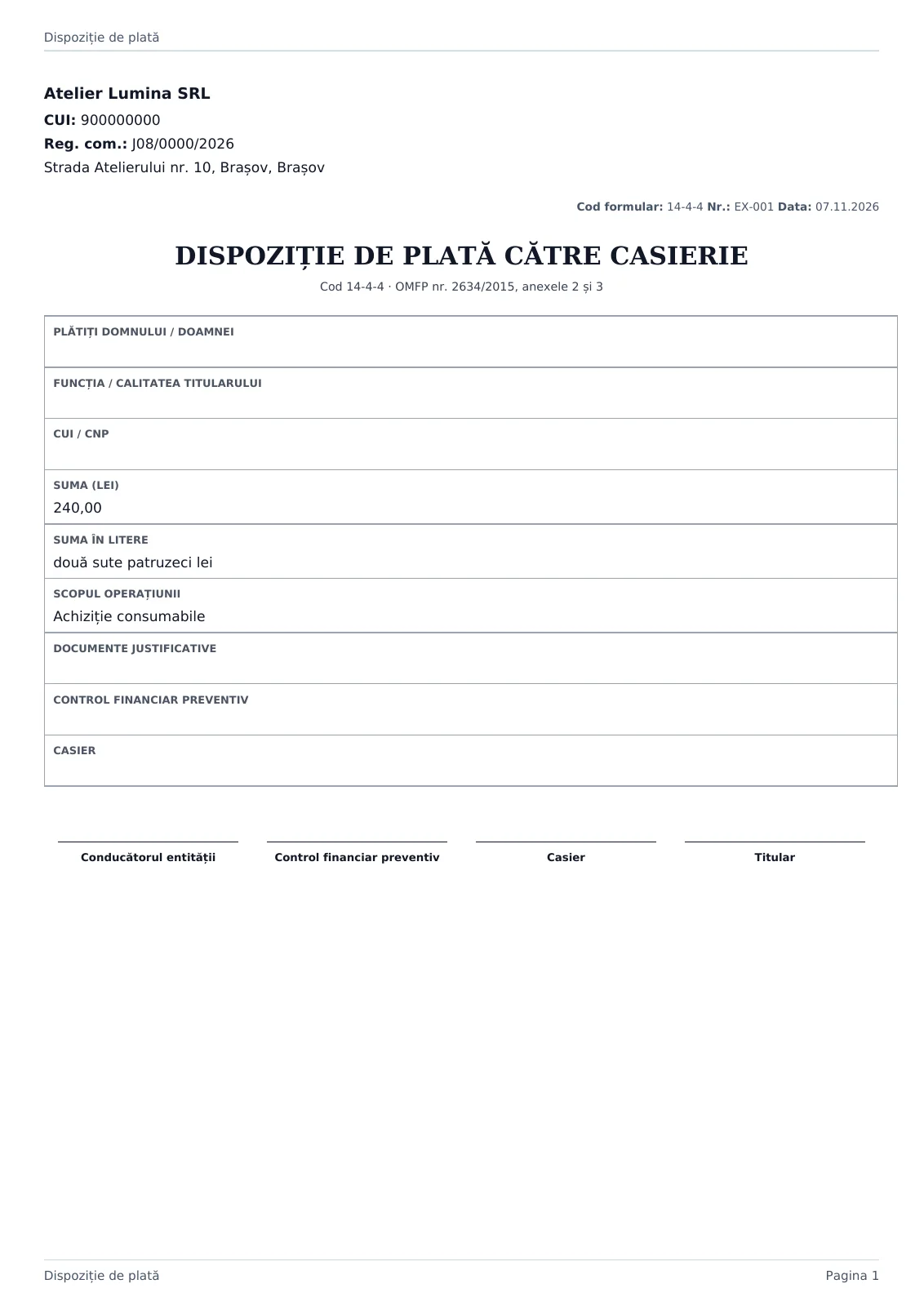
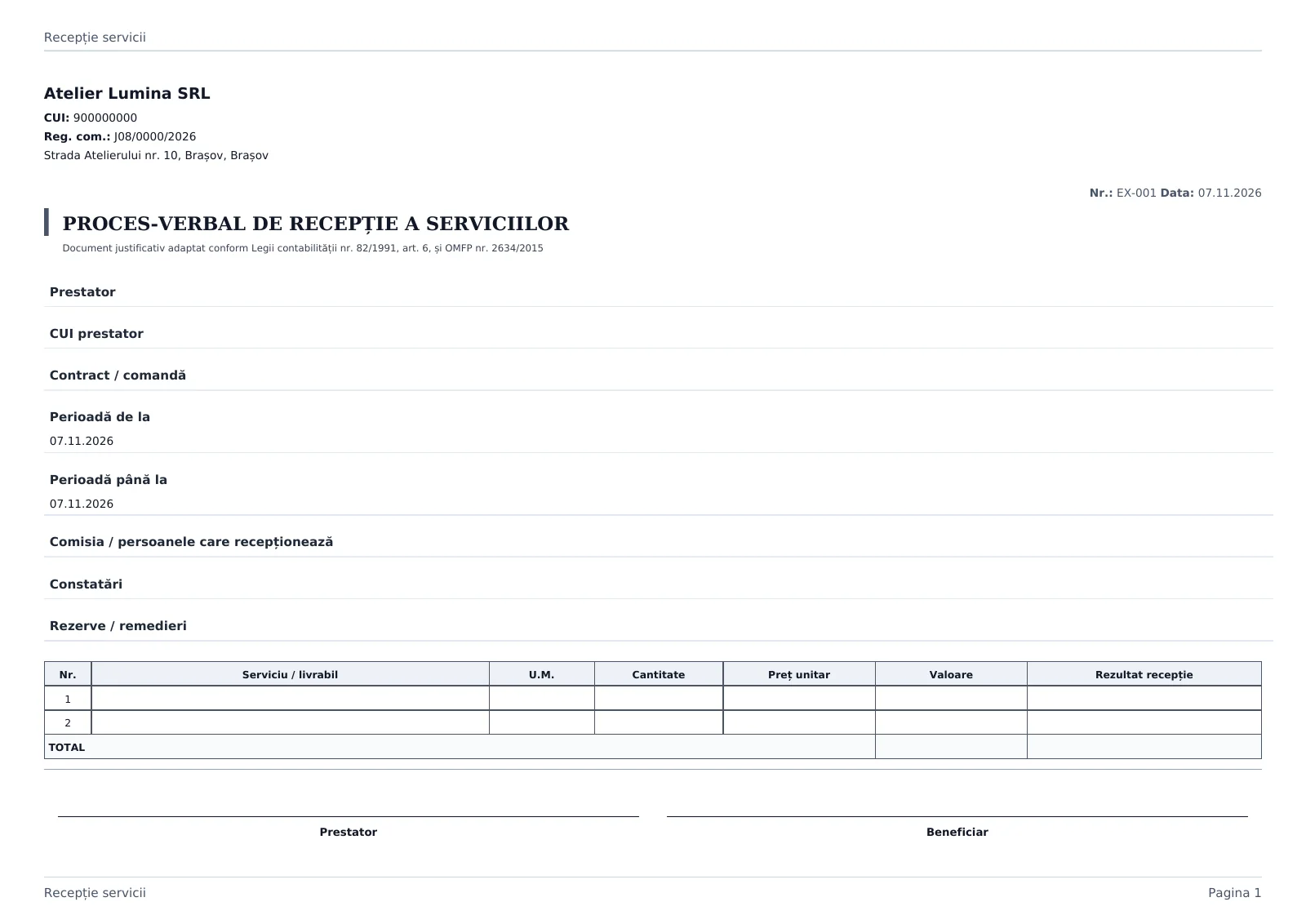
Examples generated in Fluxe with fictional details. Empty fields can be completed in the app or by hand.
Questions about document templates
Which document templates are available in Fluxe?
You can find contracts, commercial offers, leave requests, travel orders, handover records, consumption notes and cash orders. The library also includes other forms, grouped by how they are used.
How do I find the template I need?
Open Document templates in Typed documents. Search by name or code and use categories and filters to narrow the list. You can preview a template before filling it in.
Do I have to enter my company details every time?
Forms use the company details available in your account. Fill in the document-specific information and check that the company details are correct. Fields vary by template.
Can I save a document and finish it later?
Yes, when the form offers draft saving. Save your work, then reopen the document in Drafts to continue.
Can I download an empty template?
Yes, for templates that offer this option. Empty fields remain available for handwriting. Check the preview before downloading.
Which download format is available?
The examples on this page are PDFs generated in Fluxe. You can open the complete document or download it. In the app, use the download options available for your chosen template.
Can I print the documents?
Yes. Open the downloaded PDF and use the print command. The document keeps its template page format, including portrait or landscape orientation.
Can I reuse details from a document?
You can use saved templates and the copy option available for typed documents. Check the details, number and contents of the new document before finalising it.
Where do I find the documents I have prepared?
Typed documents has separate Drafts and Issued documents sections. Reopen the document you need and use the actions available for its current status.
How can I sign a document?
You can download the PDF for signing. If you have access to Signing, you can use handwritten signatures and signature requests. This is not a qualified electronic signature.
What should I check before using a template?
Check the parties’ details, amounts, deadlines and clauses. The template needs to fit your situation. Ask a specialist to review documents with specific requirements.
What do I need to complete documents in Fluxe?
You need an account and a subscription that includes Typed documents. Check the options on the Subscriptions page. You can view the example PDFs on this page without an account.