
 Fluxe Sign

Queue your PDFs for signing.
Upload PDFs from your device or choose documents from your Fluxe account. When you prepare them for signing, they appear in the Fluxe Sign queue.
Fluxe Sign
Queue PDFs from any device. When you get to your computer, sign them with your certificate and find them in your Fluxe account.
Queue your PDFs for signing.
Sign with your own certificate.
Your signed PDF is ready.
Queue your PDFs for signing.
Upload PDFs from your device or choose documents from your Fluxe account. When you prepare them for signing, they appear in the Fluxe Sign queue.
Sign with your own certificate.
Sign in with the same Fluxe account, open the queued document, and authorize signing with your USB token or a compatible cloud certificate.
Your signed PDF is ready.
After validation, download the PDF from your Fluxe account on any device. If delivery to your account is still unconfirmed, you can save a local copy in Fluxe Sign.
Upload PDFs from your device or choose documents from your Fluxe account. When you prepare them for signing, they appear in the Fluxe Sign queue.
Sign in with the same Fluxe account, open the queued document, and authorize signing with your USB token or a compatible cloud certificate.
After validation, download the PDF from your Fluxe account on any device. If delivery to your account is still unconfirmed, you can save a local copy in Fluxe Sign.
Alege textul, desenul sau imaginea și poziționează ștampila pe document înainte de autorizare.
Review the final version and sign the PDF with your certificate.
Prepare a quote from your phone and sign it when you get to your computer.
Download the signed copy from your account and share it.
Prepare PDFs in your browser. Sign in Fluxe Sign on Windows or macOS, then download the validated documents from the same Fluxe account, including on your phone.
Choose your subscription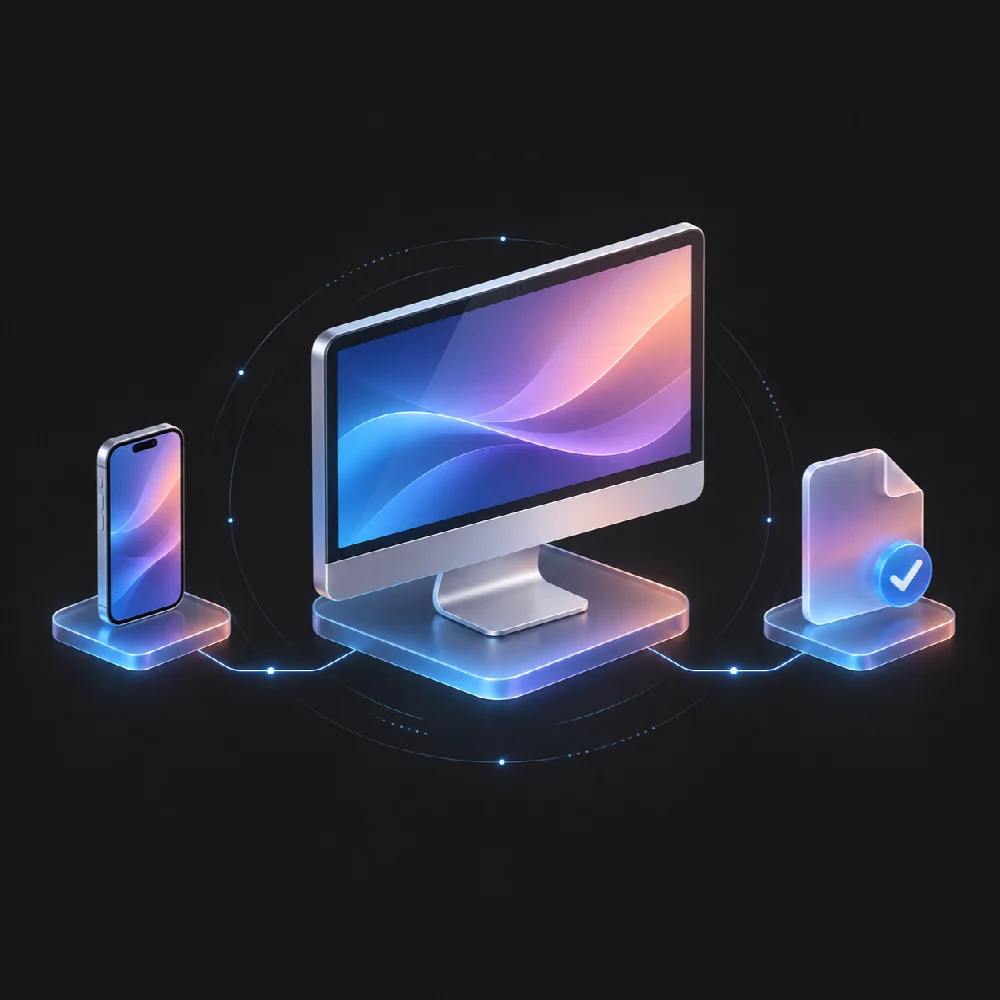
You authorize signing with your certificate. Fluxe verifies the signed document and keeps it separate from the original PDF.
Cheia privată rămâne în token sau în serviciul furnizorului. PIN-ul nu se introduce în browser.
Documentul este finalizat numai după verificarea integrității și confirmarea calificării semnăturii.
Fluxe stores the signed PDF separately so you can return to the original.
Access the validated document from your Fluxe account on any device.
Queue your PDFs for signing.
Phone, tablet, or computerSign with your own certificate.
Fluxe Sign on Windows or macOSYour signed PDF is ready.
Your signed PDFYes. In your browser, you can upload PDFs and prepare them for signing from a phone, tablet, or computer. To sign, open Fluxe Sign on your computer and sign in with the same account.
After validation, download the PDF from your Fluxe account on any device. If delivery to your account is still unconfirmed, you can save a local copy in Fluxe Sign.
Da. Fluxe Sign face legătura cu certificatul disponibil pe calculator. Tokenul USB sau certificatul cloud necesită mecanismul compatibil al furnizorului.
Nu. Calificarea se stabilește prin verificarea semnăturii și a certificatului, nu prin desenul sau textul ștampilei.
Nu. Formatul documentului, validările serviciului și dreptul titularului de a depune pentru firmă trebuie respectate separat.