
Sign documents without printing them.
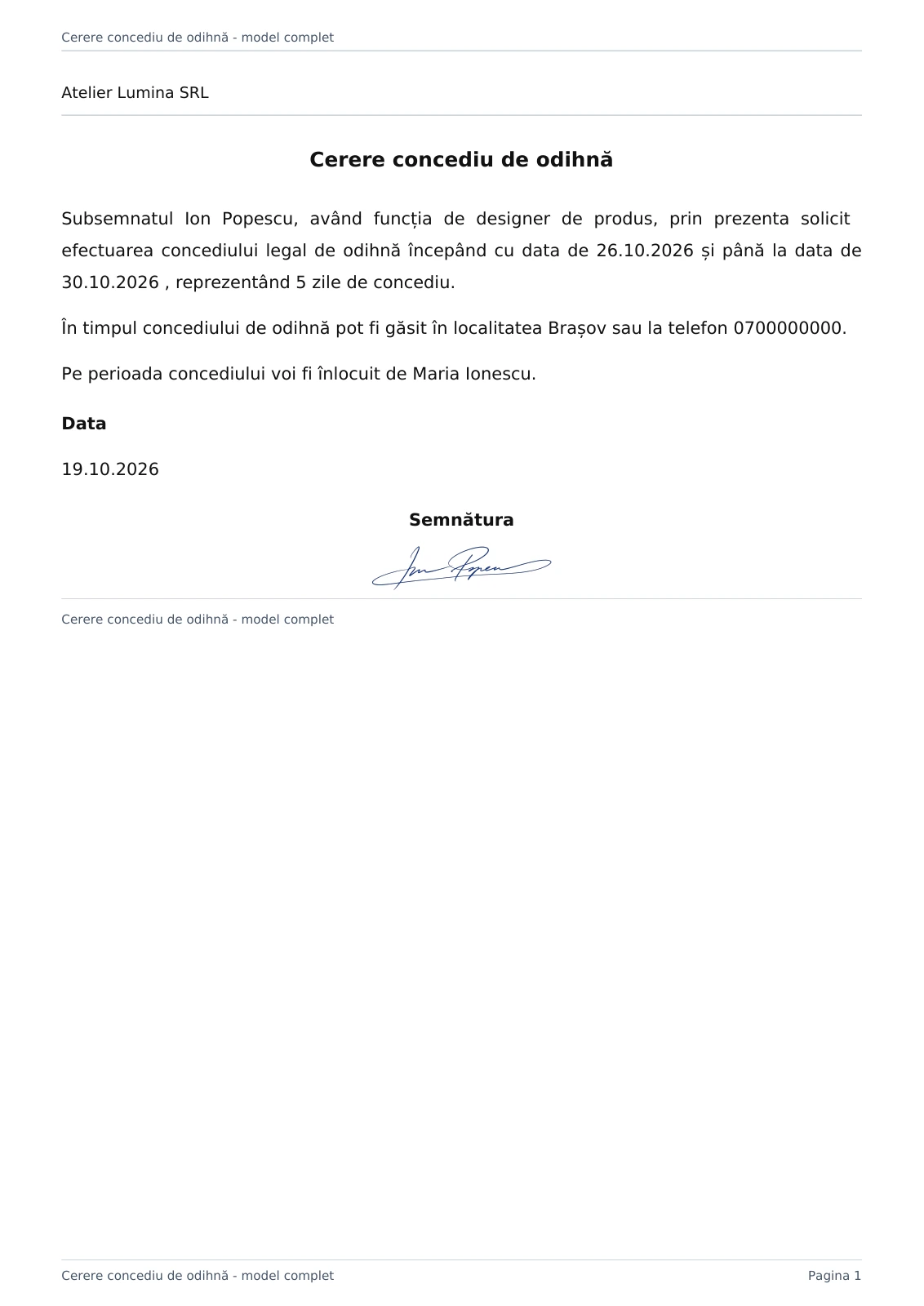
Send the document for signing.
Review and download the signed document.
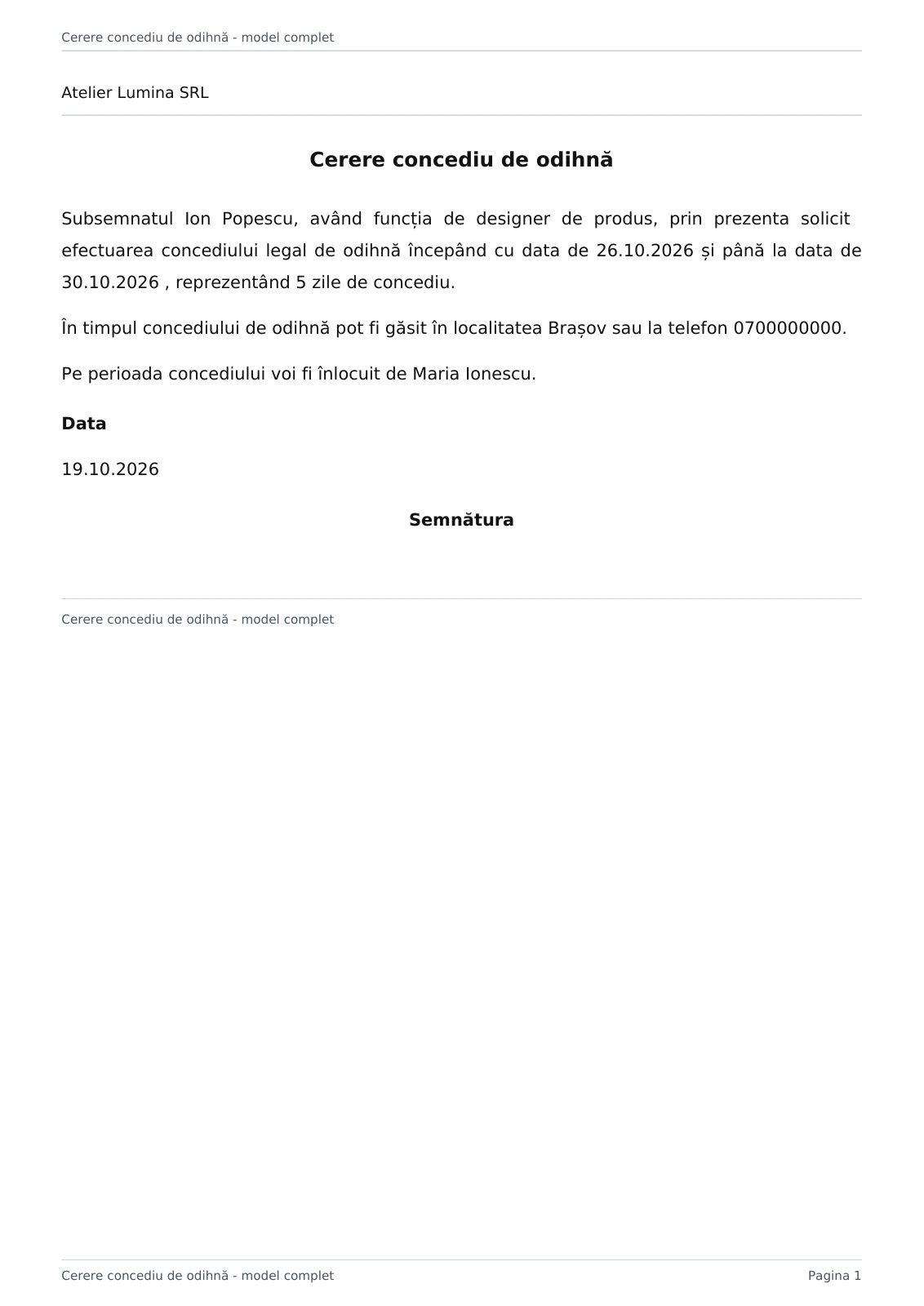
The document, before and after signing.
Choose the document and review its pages.
Draw or upload your signature and position it on the document.
Check the position, confirm and download the signed document.
Prepare the document and generate the link with a PIN.
The recipient signs in to Fluxe, enters the PIN and signs the document.
Track the request and download the document after signing.
Questions about Signing.
What type of signature is applied?
The module applies a handwritten signature, drawn or uploaded as an image, at the chosen position on the document. It does not apply a qualified electronic signature.
Does the recipient need a Fluxe account?
Yes. The recipient signs in to Fluxe, then enters the PIN received to open the document from the link. Both signing in and the PIN are required before signing.
Which documents can I sign?
You can use a document available in Fluxe or upload a file in a supported format. PDFs, images and compatible Office documents are prepared for signing. Check the preview before finalizing.
How do I check whether a document has been signed?
Signing history contains completed documents. External requests contains pending requests. You can review and download the resulting document.
What should I check before confirming the signature?
Check every page, the identity of the signer, the position of the signature and the requirements of the document. Confirm only when the document and signature are correct.