
Find the document you need.
See document types, dates, amounts and statuses in one list. Use filters to narrow it down. With active SPV authorization and e-Factura set up, Fluxe regularly syncs incoming invoices.
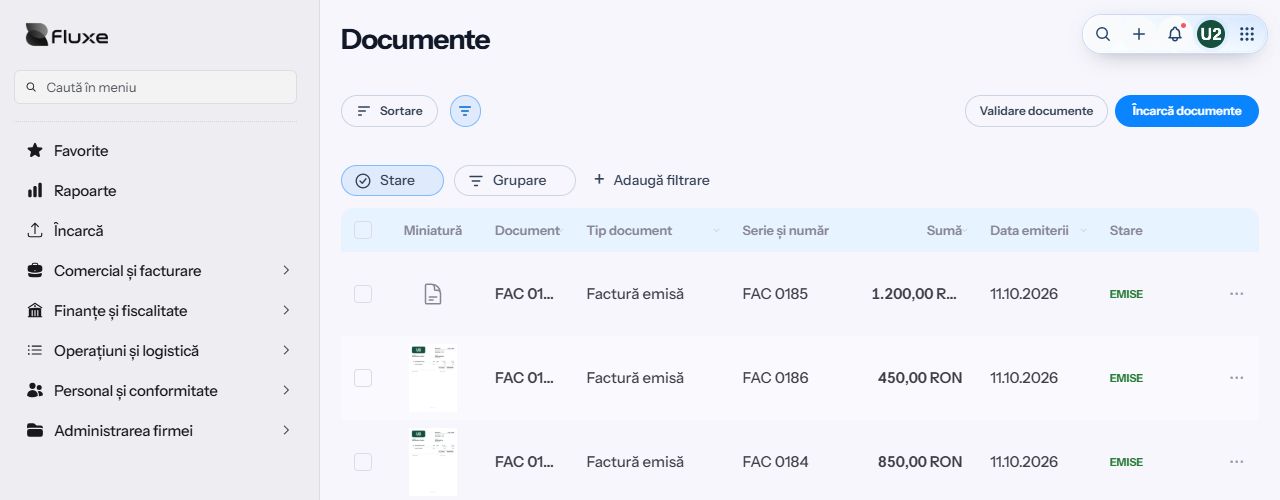
Fluxe Documents
Keep invoices, receipts and contracts in one place. Enable automatic reading and Fluxe extracts the details for you to review alongside the original.

See document types, dates, amounts and statuses in one list. Use filters to narrow it down. With active SPV authorization and e-Factura set up, Fluxe regularly syncs incoming invoices.
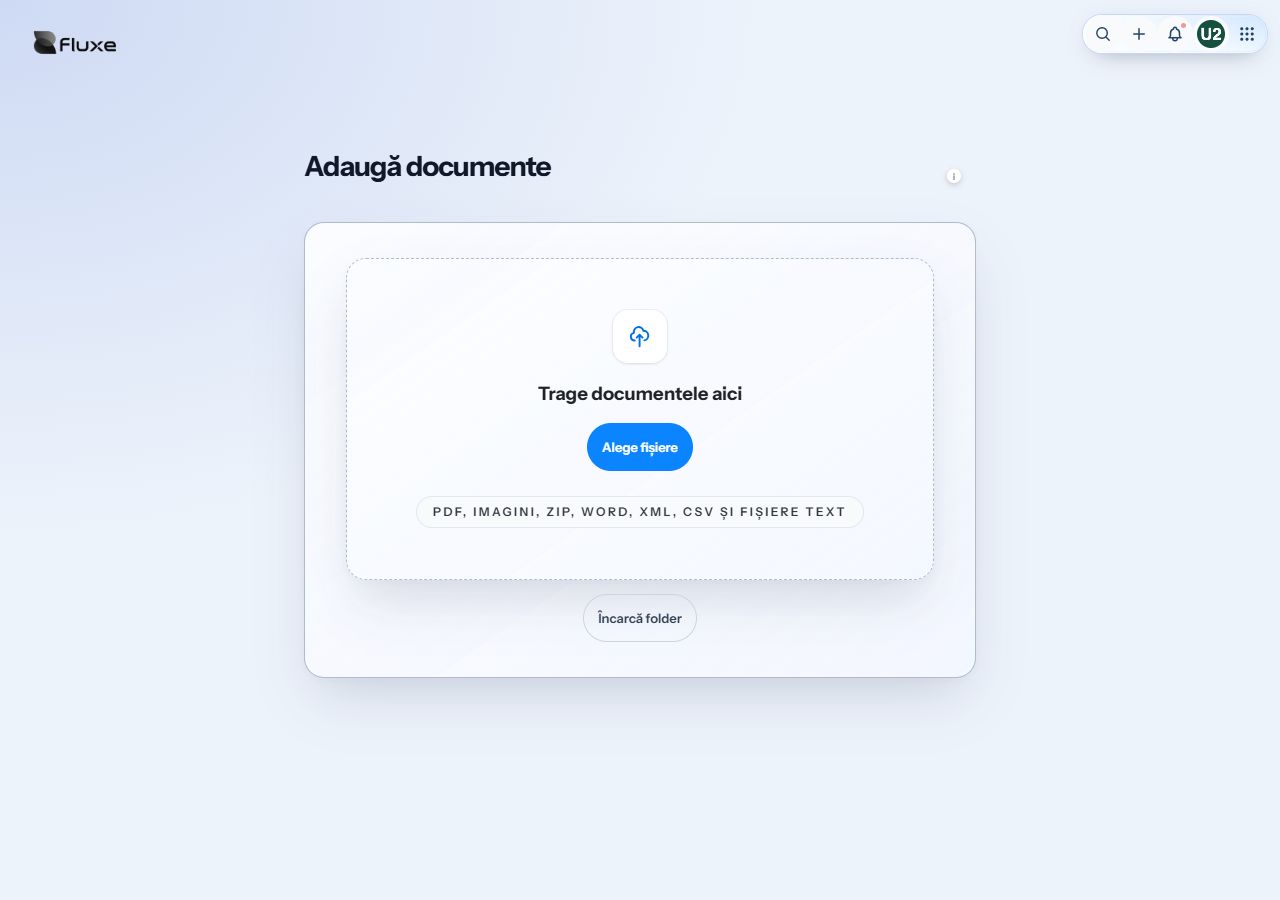
Add PDFs, photos and other files. You can upload several documents at once or add an entire folder.
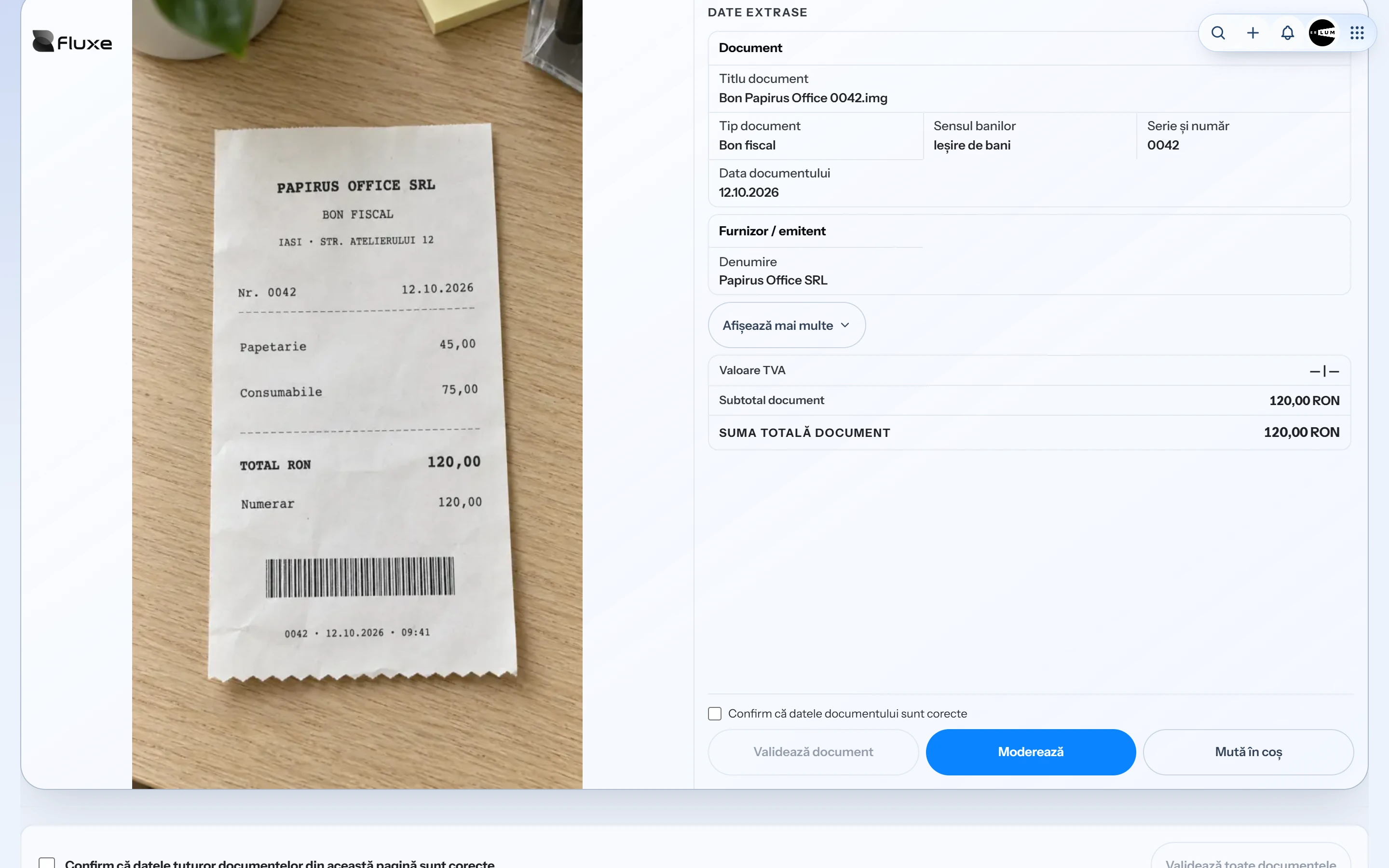
With automatic reading enabled, Fluxe extracts data from documents, including invoices, receipts, contracts and statements. It can match your company on invoices using its tax ID or saved special VAT number. You review the details before approving them.
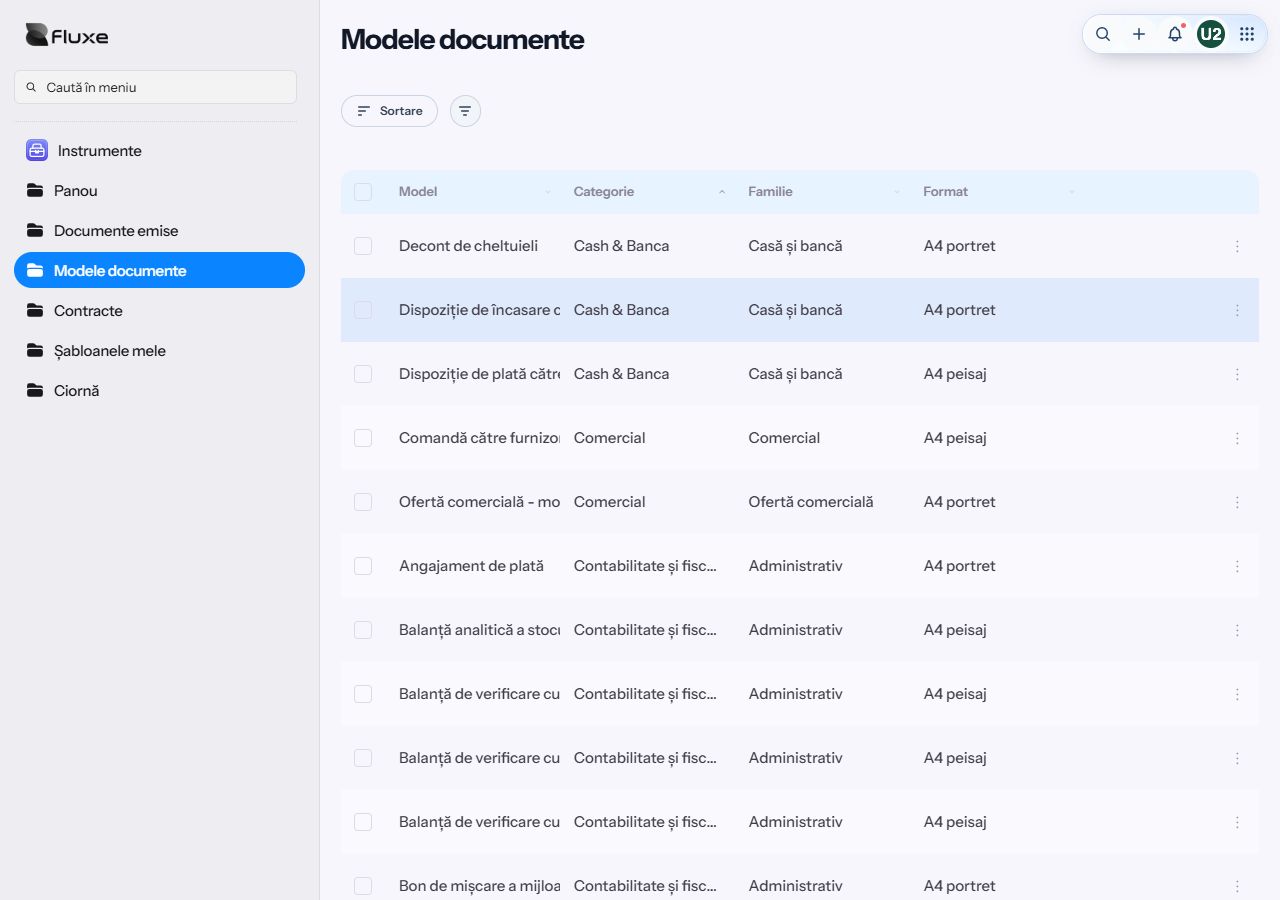
Choose a template for a contract, an HR form or an inventory record. Fluxe fills in the available company details and can look up partner details by tax ID in compatible forms.
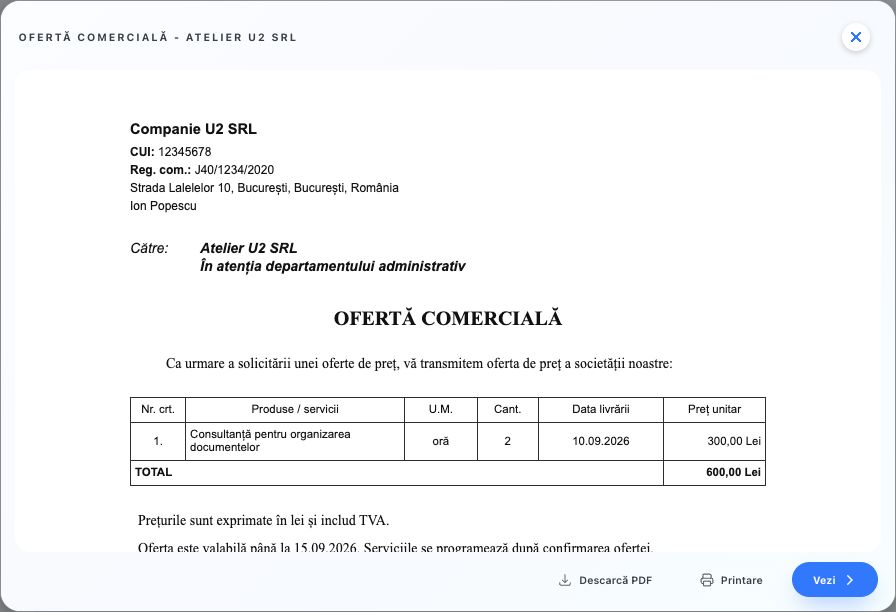
Review the completed document and download it as a PDF. Depending on the document, you can archive it, share it or send it for signing.
Authorize access to SPV and set up e-Factura. While authorization is active, Fluxe regularly imports incoming invoices available through RO e-Factura.
You can upload PDFs, images, ZIP archives, Word documents, and XML, CSV or text files. Review options depend on the document type.
200 documents per month in Professional; manual completion and approval after reaching the limit. Business has no such cap. Data checking remains necessary.
Templates provide the document's structure and the prefilling available in the form. Details specific to the activity and the result need to be checked. Fields vary according to the document's purpose.
Yes, for templates with a blank export. This option provides a PDF to complete on paper. Digitally completed documents require all details to be checked before use.