
Billing
Invoices and receipts
Issue invoices, pro formas and delivery notes. See how much has been paid and what’s still outstanding on each invoice.
Discover BillingAsk about invoices and receipts or prepare an invoice through conversation. Keep ideas and follow-up activities in Notes.
Discover AI Assistant
Prepare PDFs in Fluxe, sign them with your certificate in Fluxe Sign, and find the validated documents in your account.
Discover Fluxe Sign
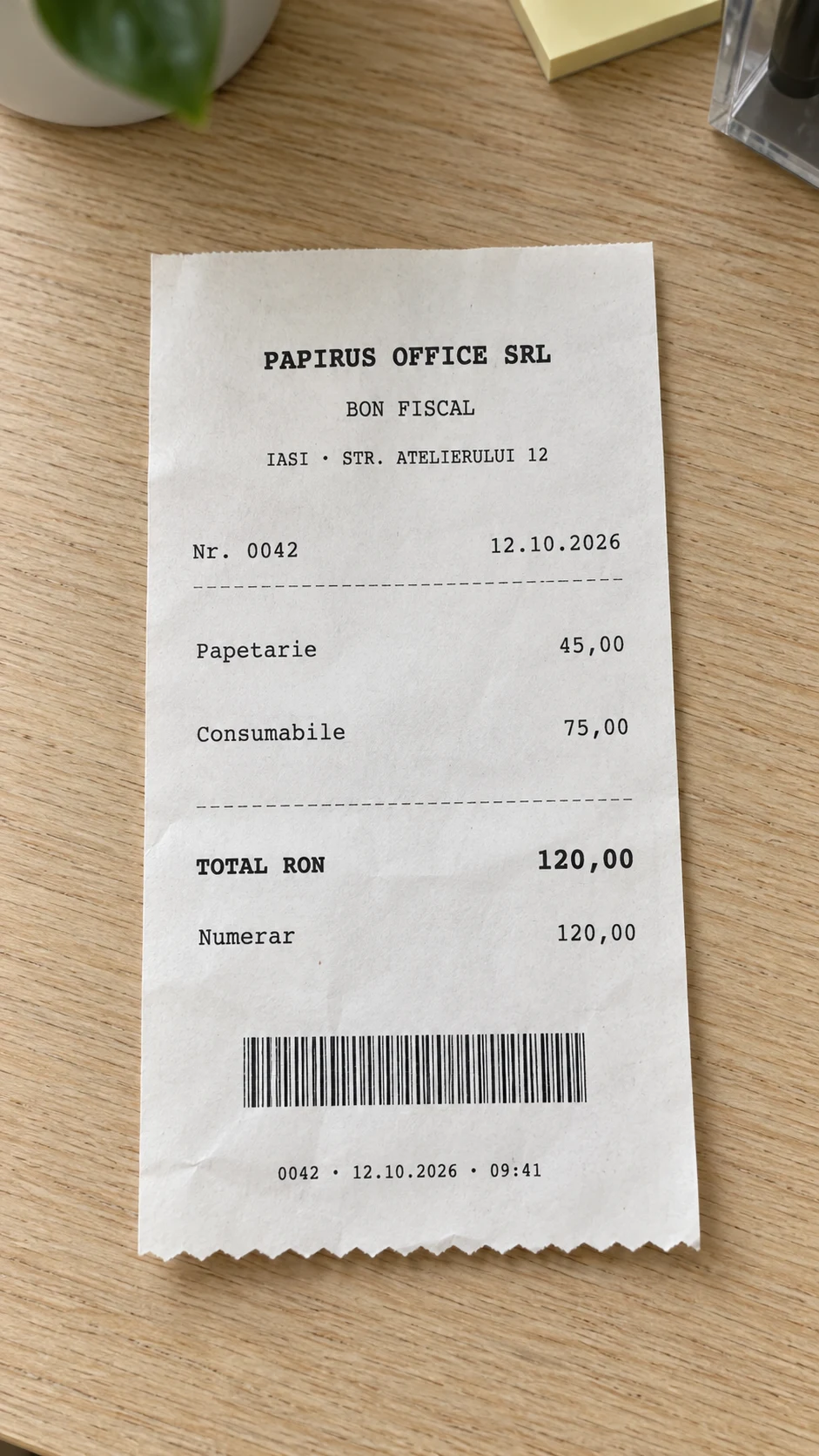
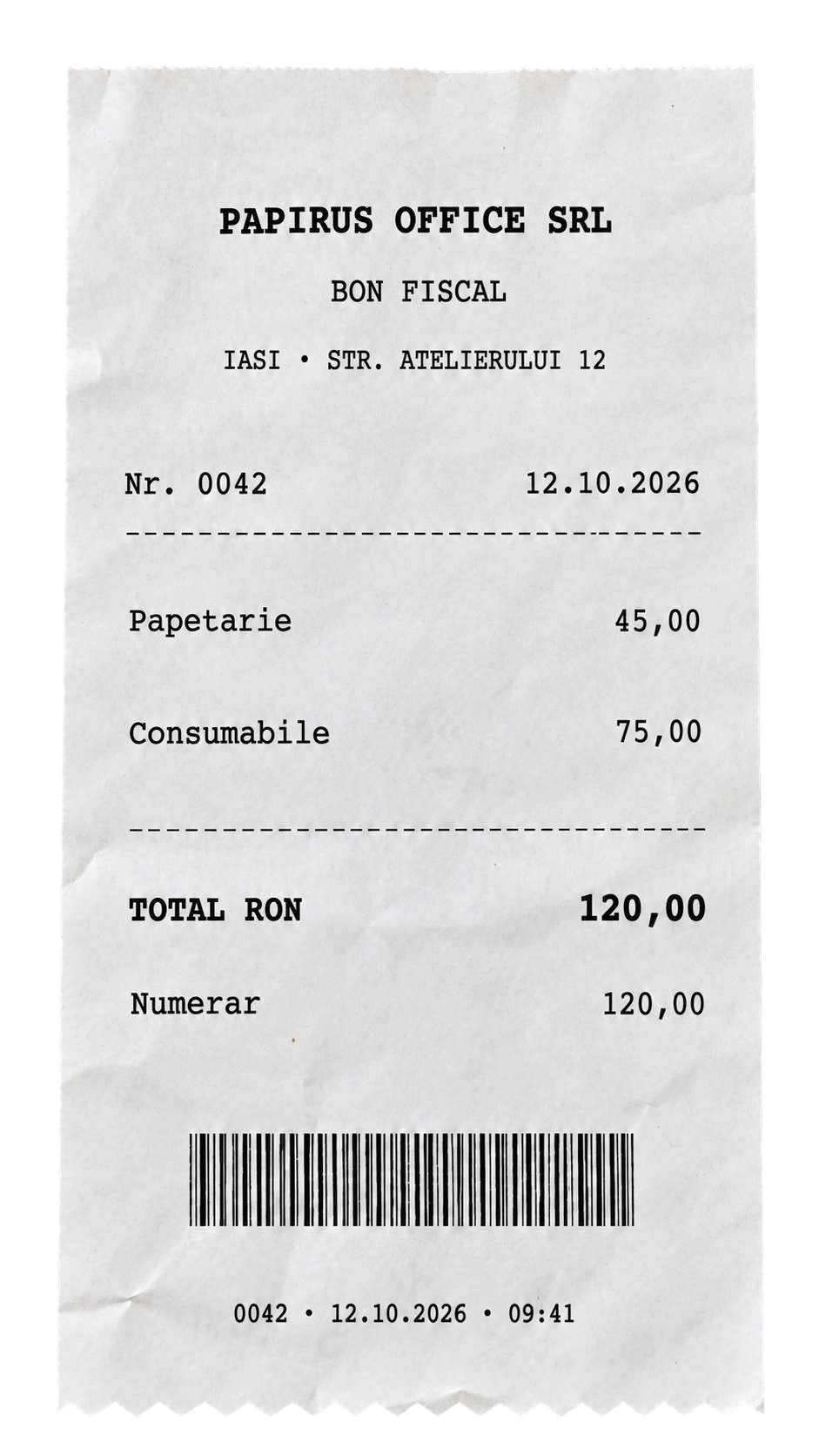
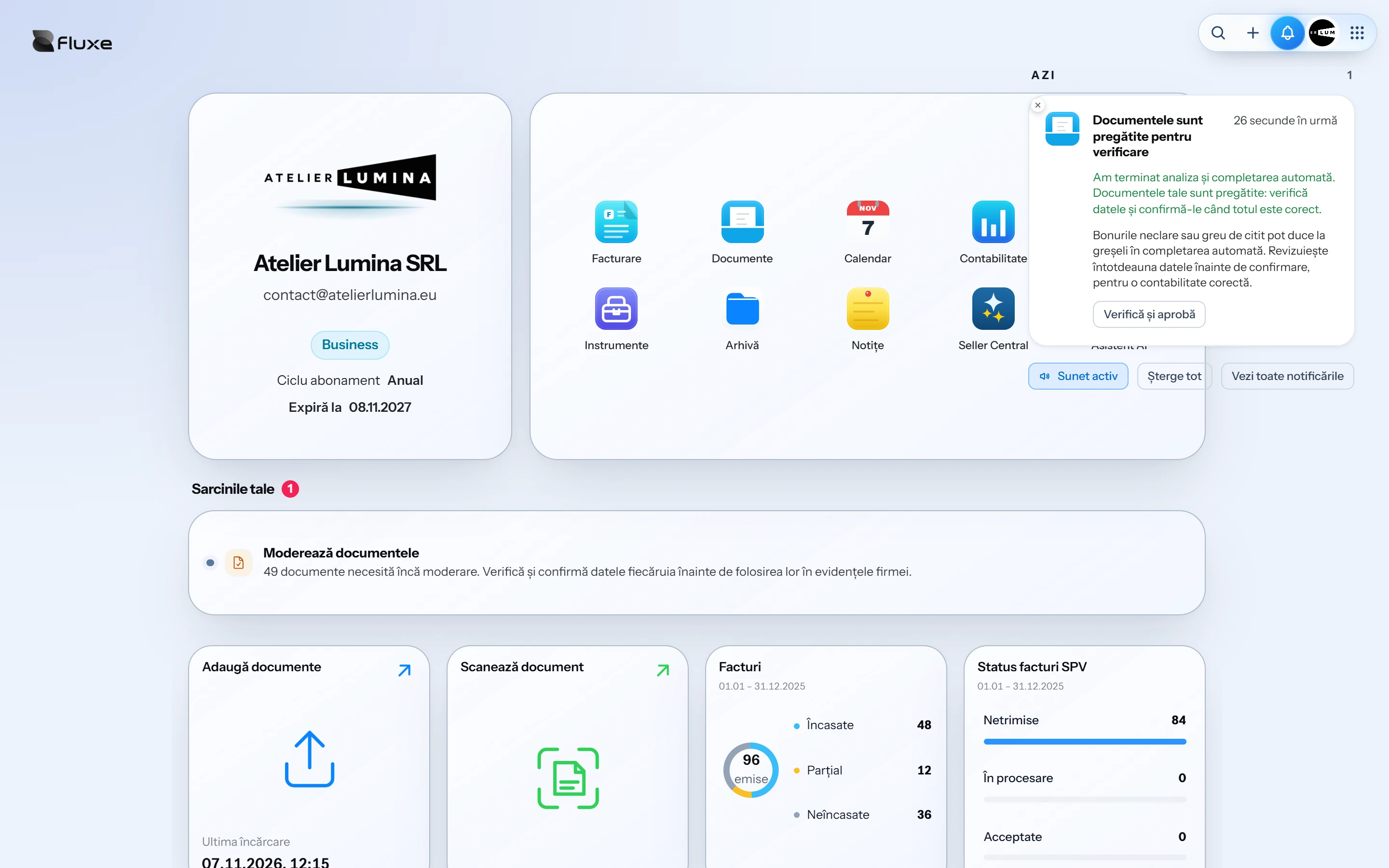
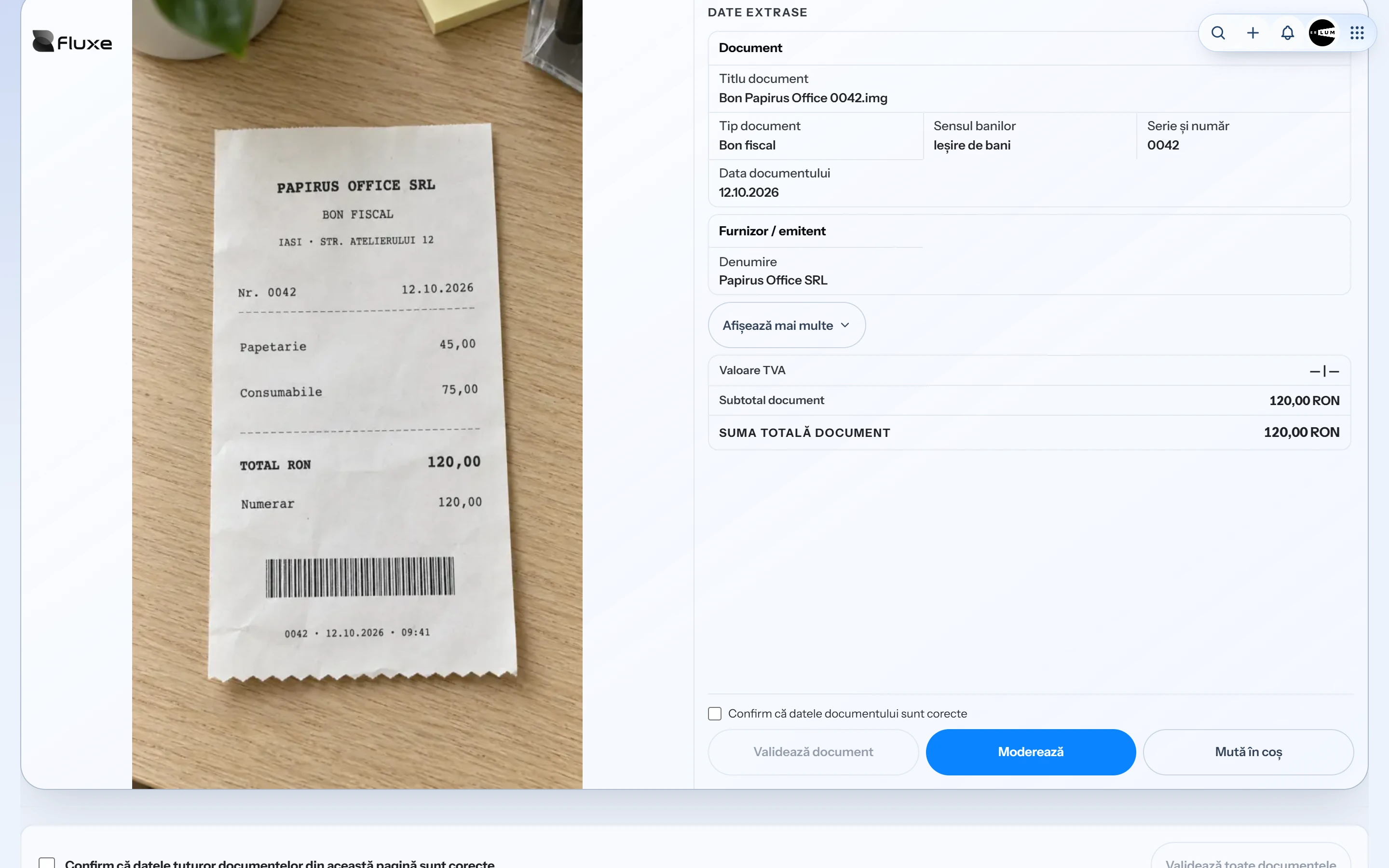
Fluxe extracts the data for you to review before approval. Profesional includes automatic data extraction for 200 documents a month. Business has no such limit.
See how it worksOnce you set up access to Romania’s tax portal (SPV), you can send and receive e-invoices and declare shipments through RO e-Transport.
Invoices, proformas, delivery notes and credit notes in lei or foreign currency. Customise the template and send by email.
Schedule recurring invoices and proformas. Choose the frequency and issue time.
Prices, discounts and totals calculated automatically. Track partial or full collections.
Record goods receipts, transfers and stocktakes, then check what’s left at each stock location.
Track sales, payments and unpaid invoices. Check stock and estimated profit.
Sales at your premises alongside invoicing and inventory management.
Available account data is already filled in automatically. Add the amounts, terms and specific details, check the document and download the PDF. You can also download templates without filling anything in and complete them manually.
Compare the extracted data with the original invoice or receipt before approval.
View documents and transactions by day, week, month or year.
Single-entry or double-entry bookkeeping, registers and trial balances. Review bank transactions with your accountant.
Prepare data and files for your accountant to review. Validation, signing and submission are separate steps.
Contacts, prospects, conversations and notes. Find the details and continue with invoicing.
Add a handwritten signature or request one through a PIN-protected link. This is not a qualified electronic signature.
Search by tax ID. Compare revenue, profit and debt from public data. Indicative assessment.
Ask in chat and receive the legal provisions exactly as published by the official source, without reinterpretation. You also get a link to the legislation.
Fluxe automatically places them in folders by date and file type. No manual sorting.
Add ideas, attachments and links to documents. Receive notifications for tasks to follow up.
Orders, products, customers and stock directly in Fluxe. Each store module has a separate subscription.
Manage shipping labels and returns in eMAG. Configure automatic invoicing in WooCommerce.
Ask by customer, number or period. Find the invoice and see what you are owed. Review the answers.
Describe the customer and products. Review the invoice and confirm issuance. Available in Business.
Record trips with GPS, review the details from fuel receipts, and generate trip sheets. Manage drivers and vehicle documents in the same place.
Fluxe AI finds invoices, shows what a customer still owes you and prepares invoices for you to review before issuing. Available with Business.
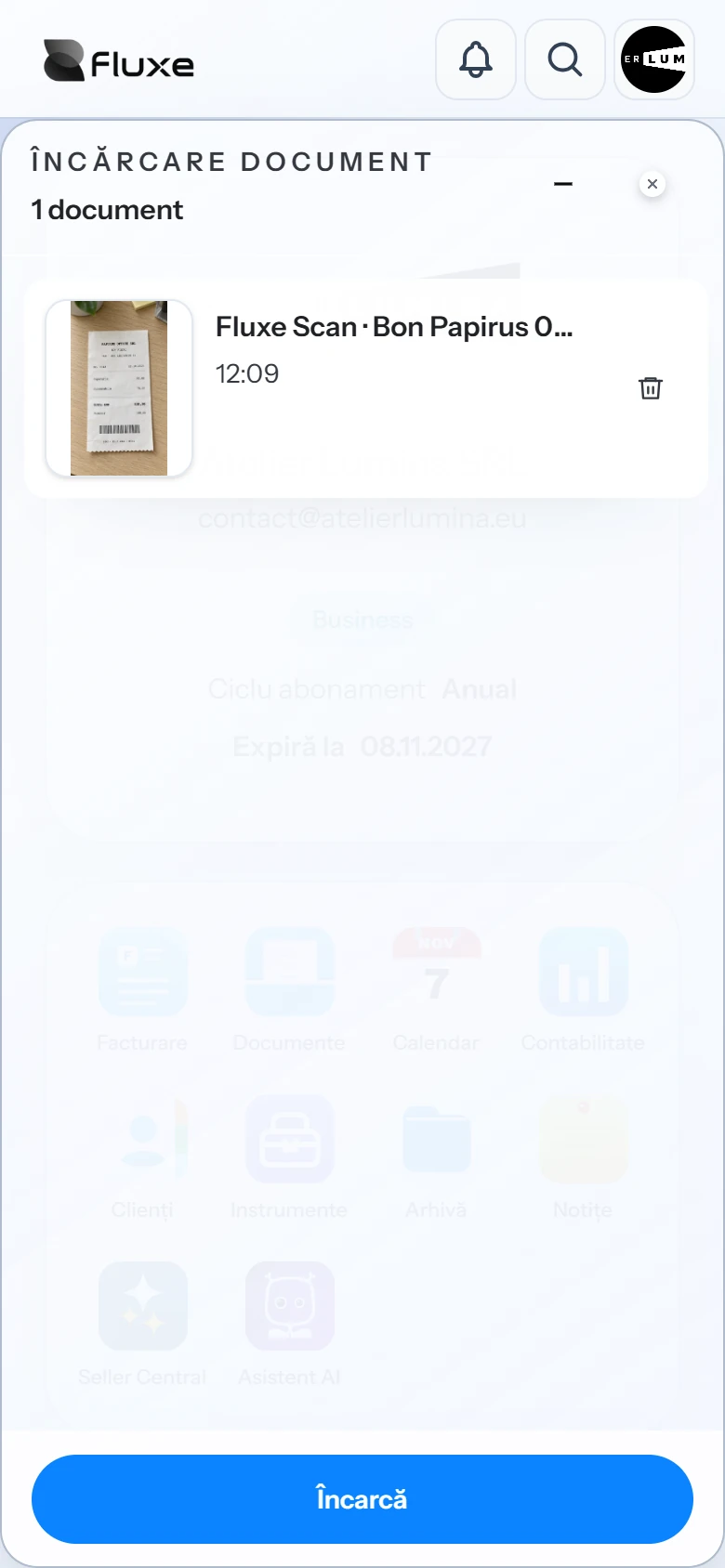
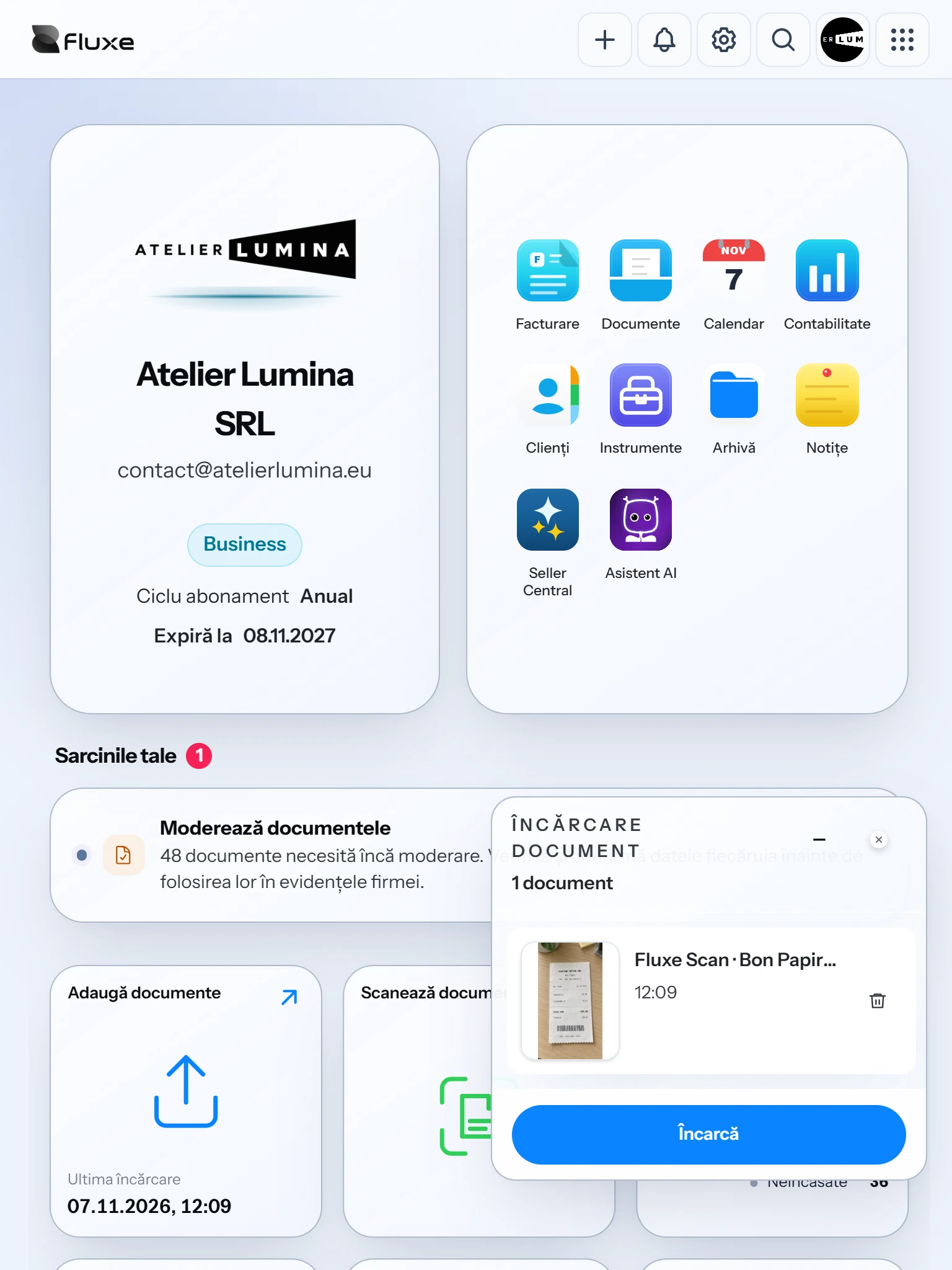
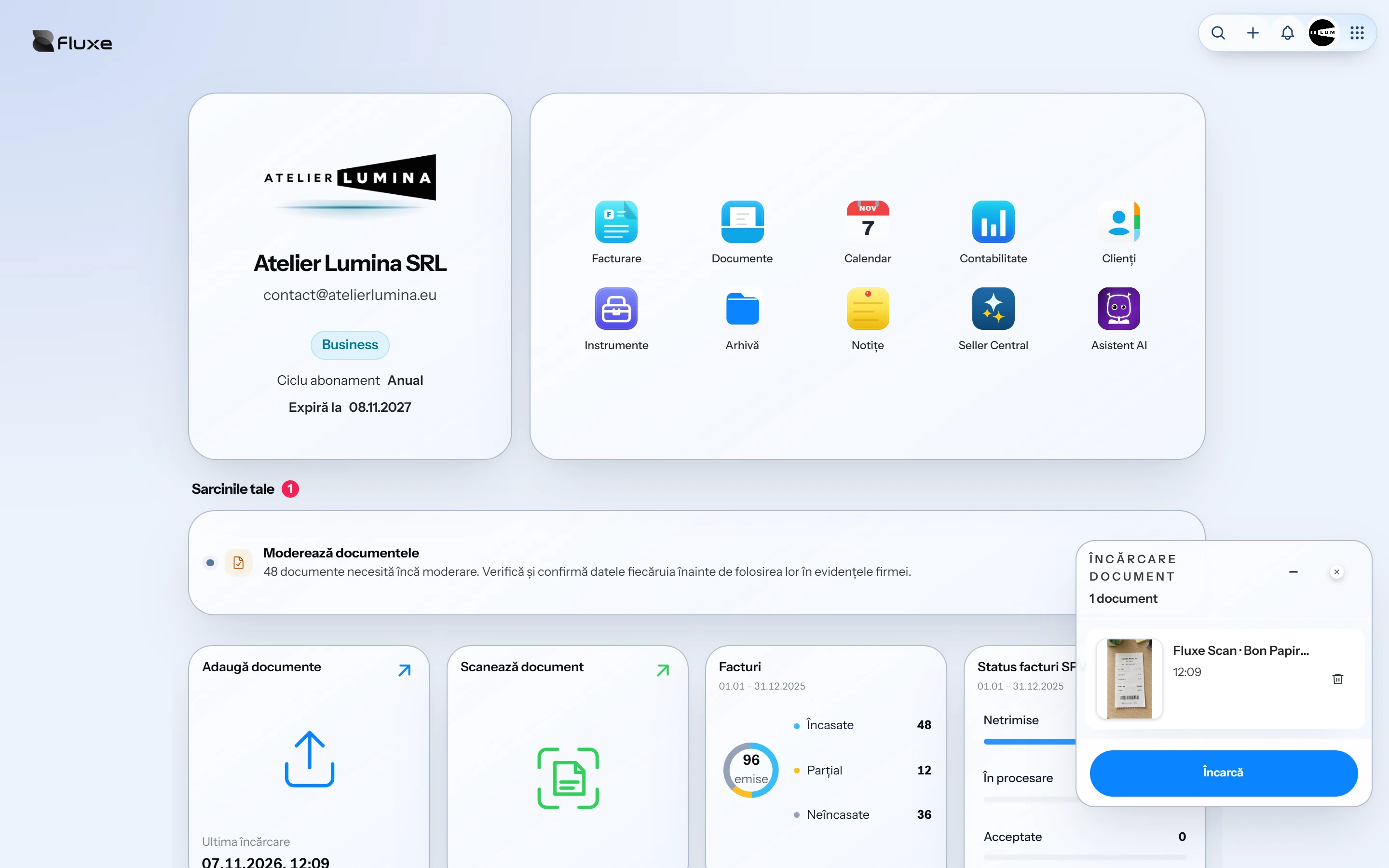
Upload or scan documents and view them on any device signed in to the same Fluxe account. Work in your browser without installing a program on your computer.
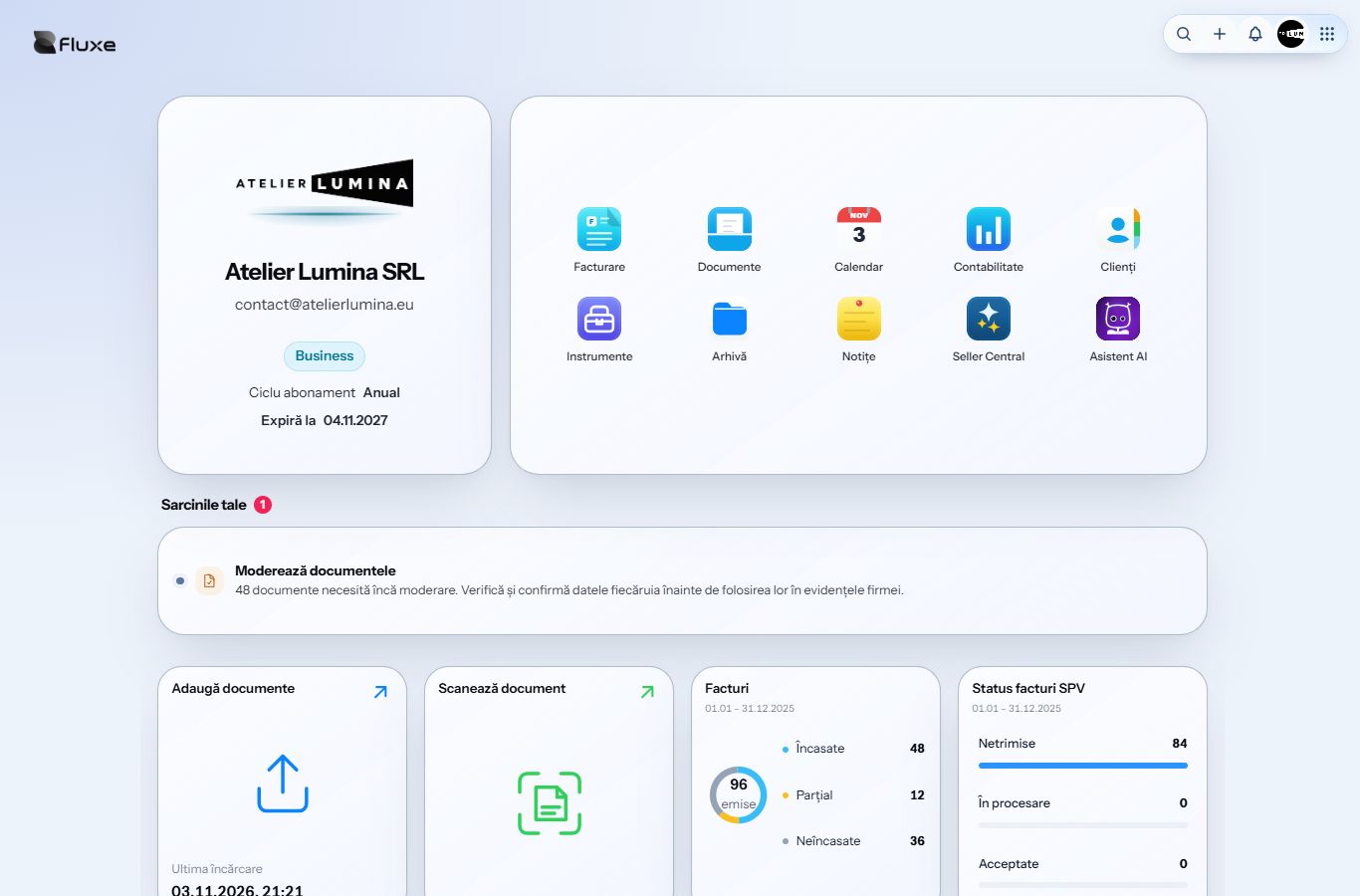
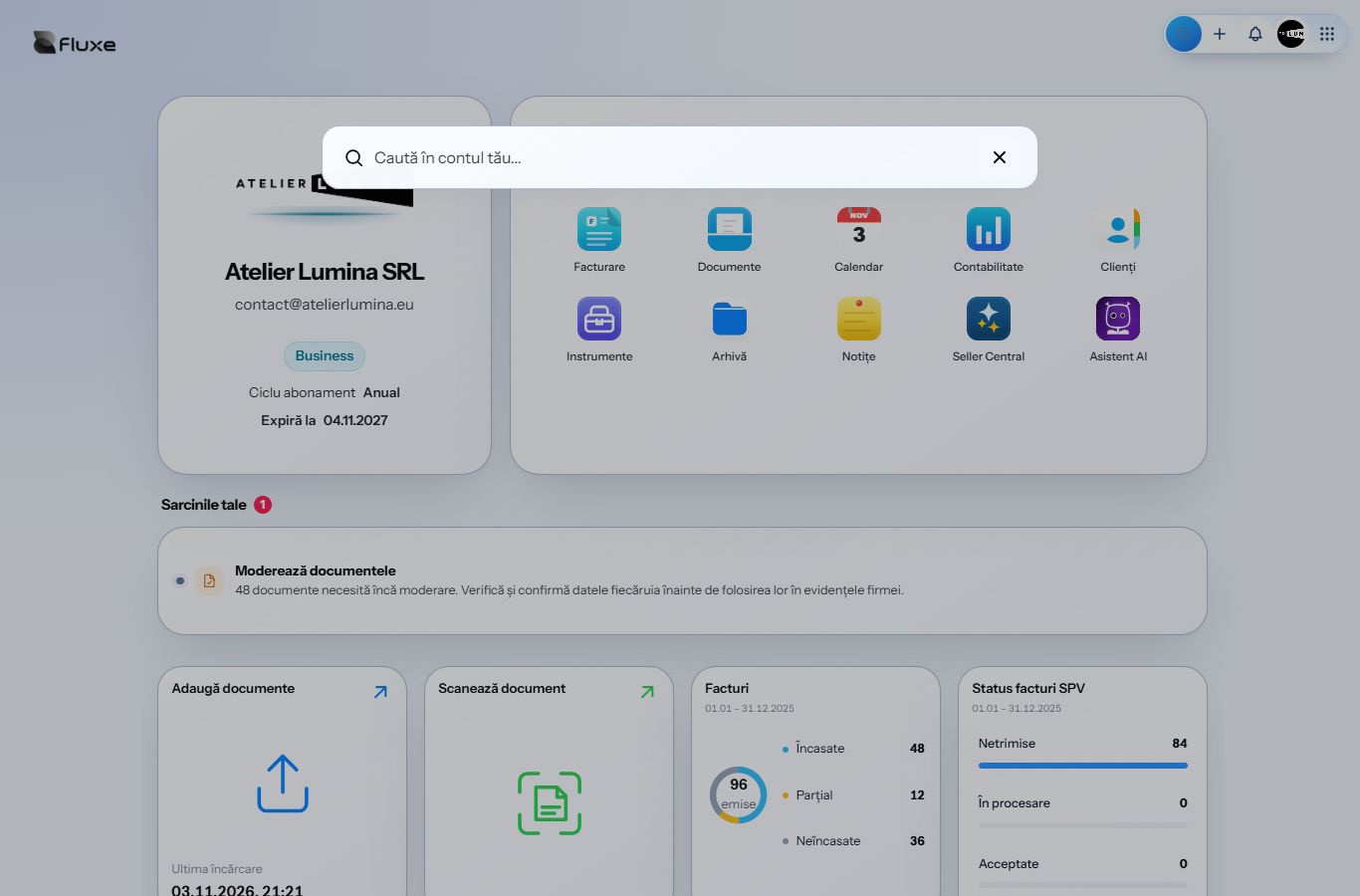
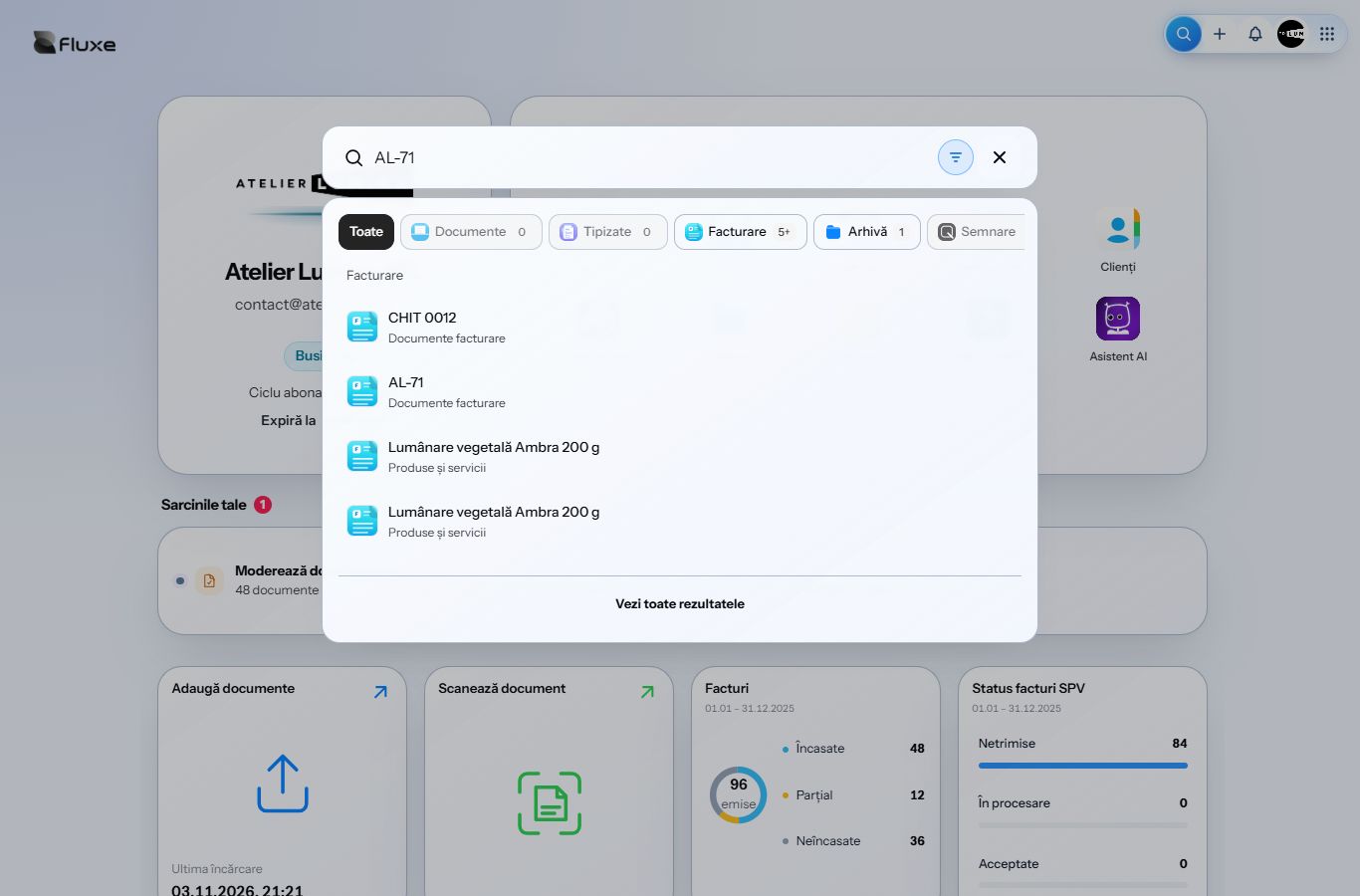
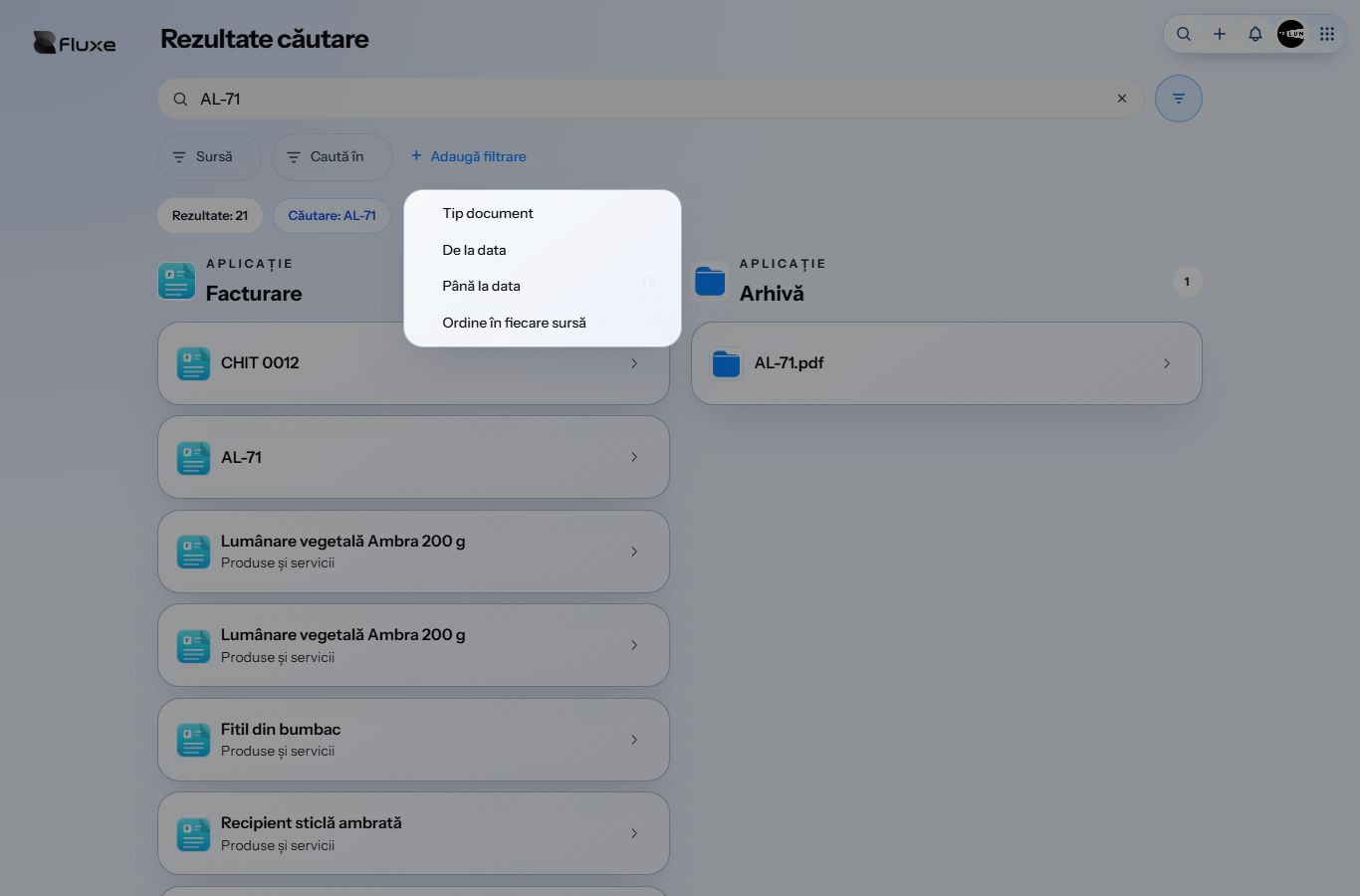
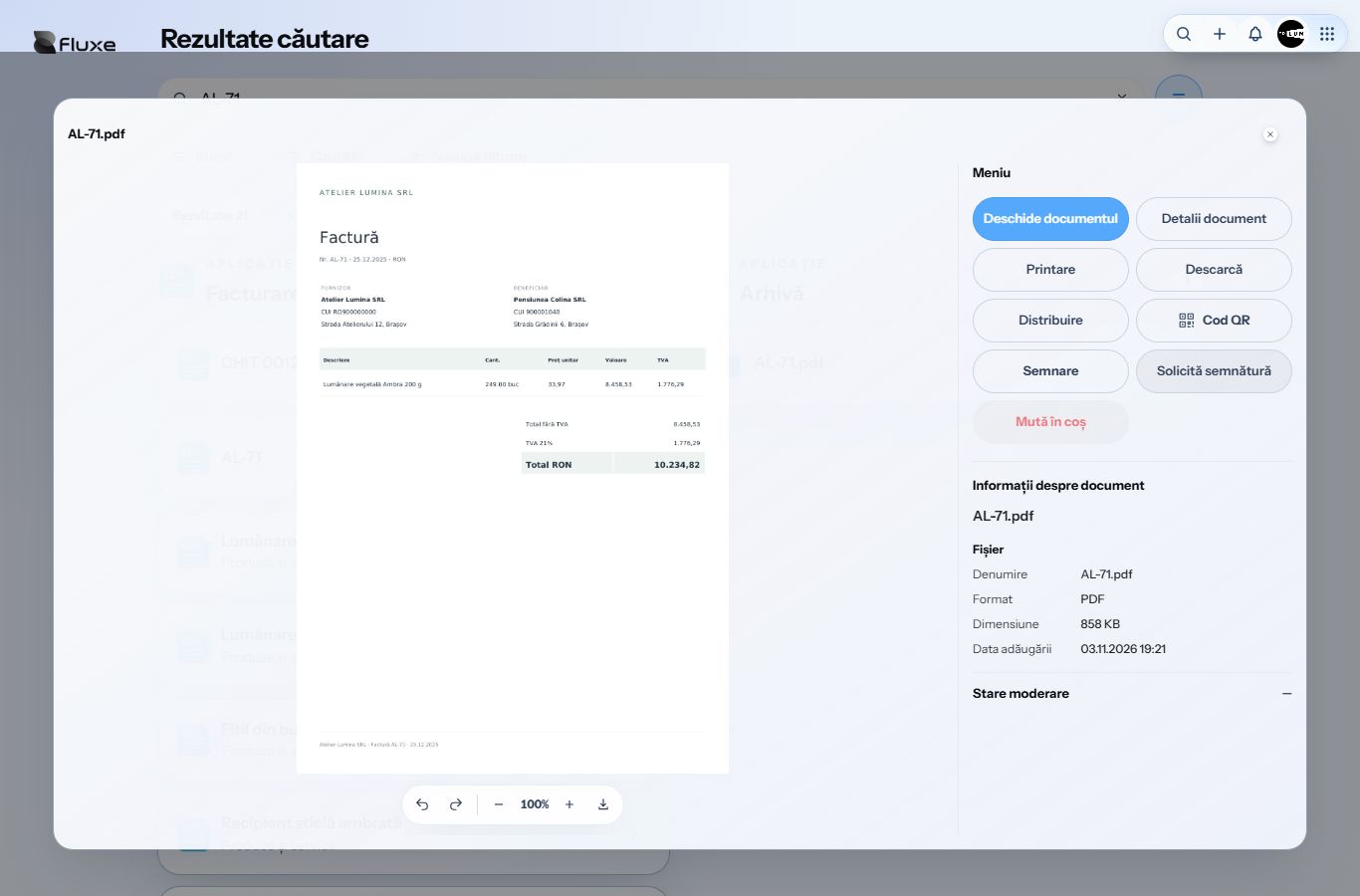
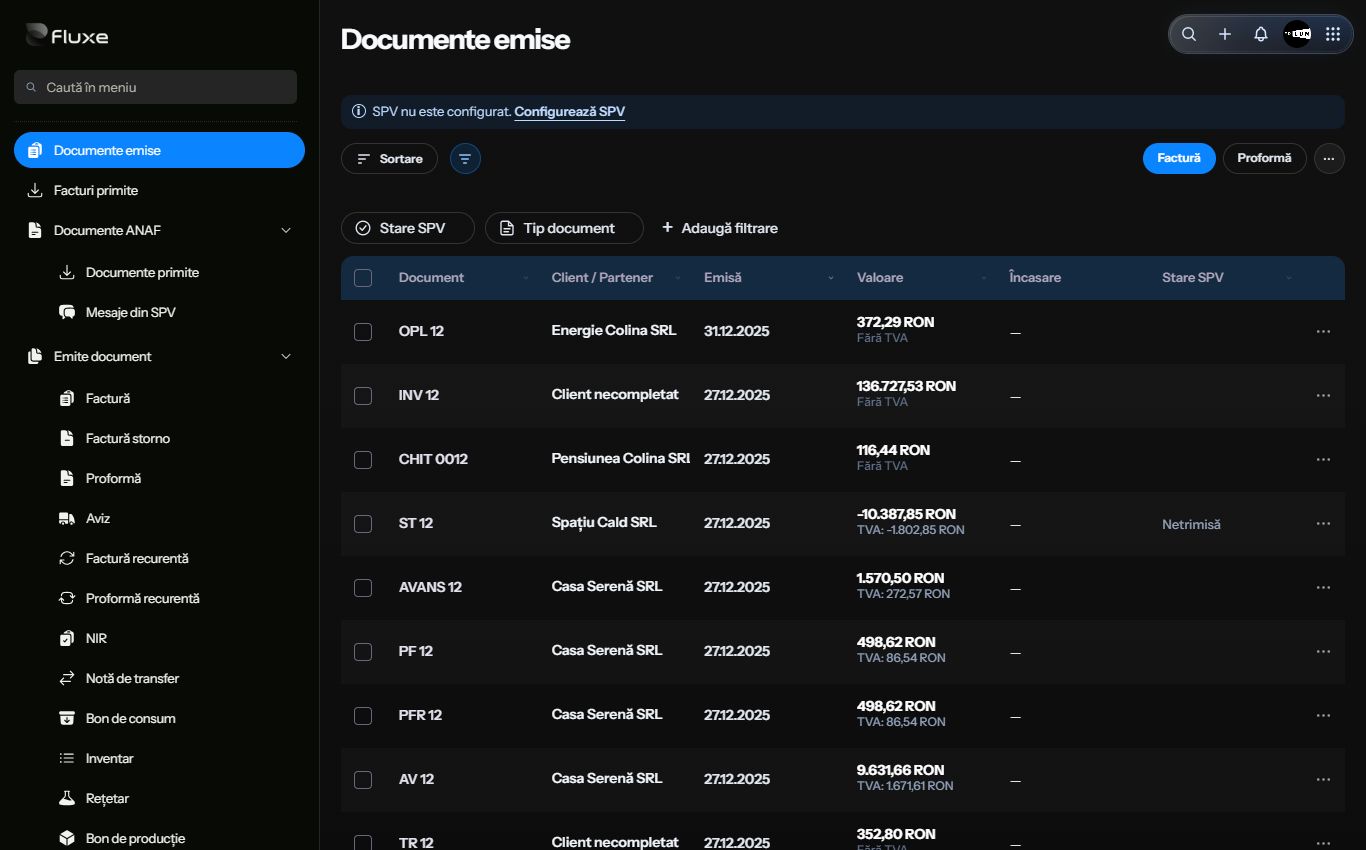
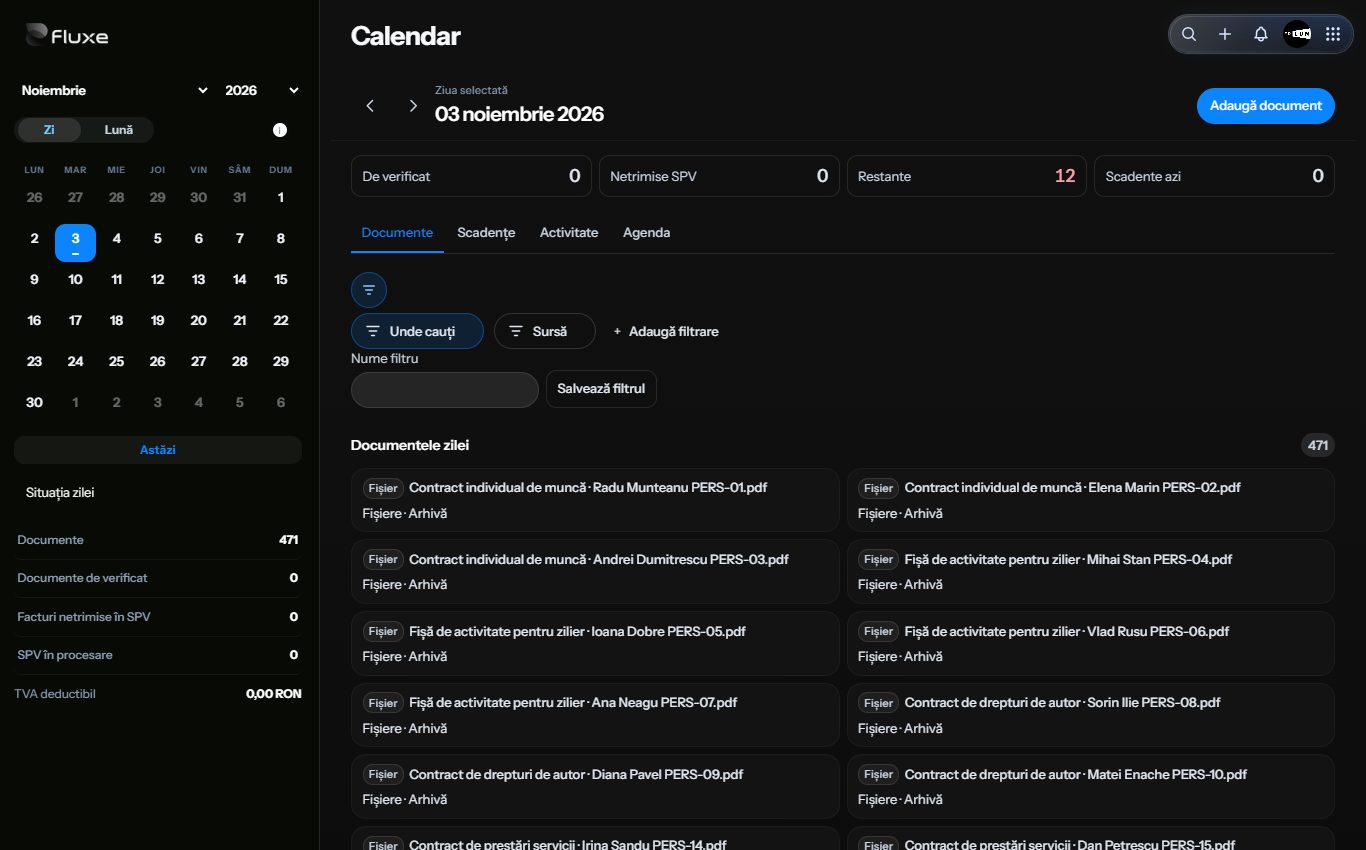
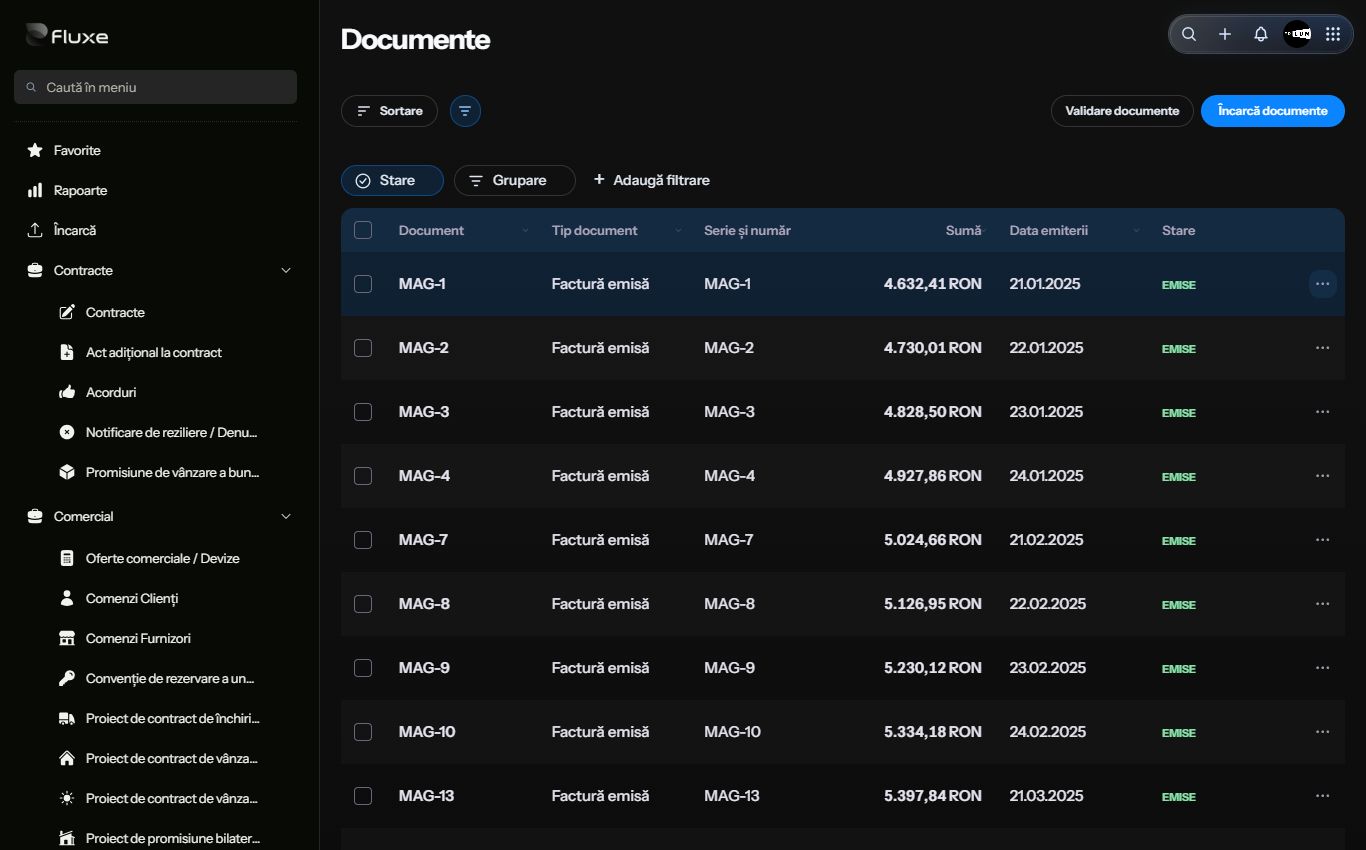
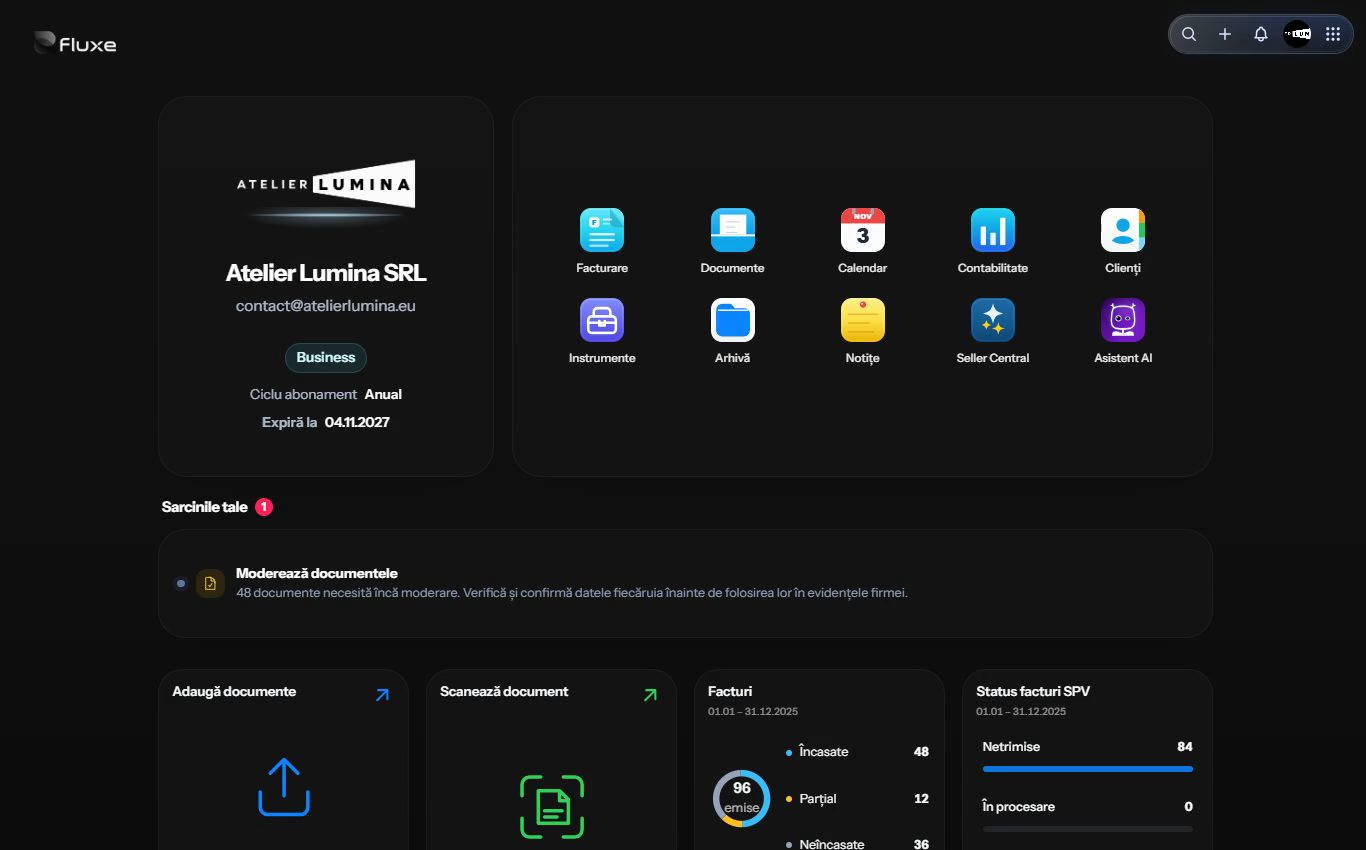
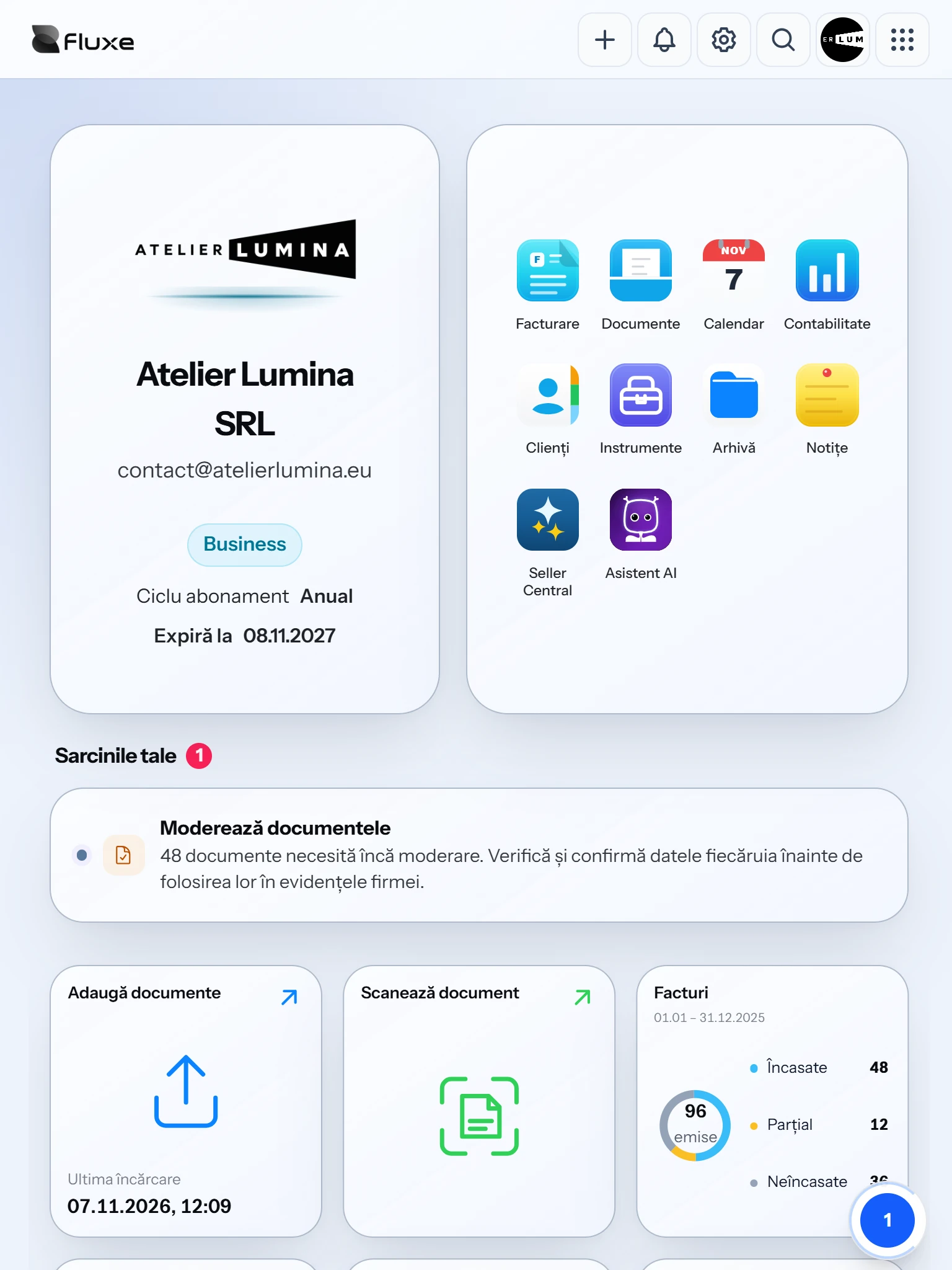
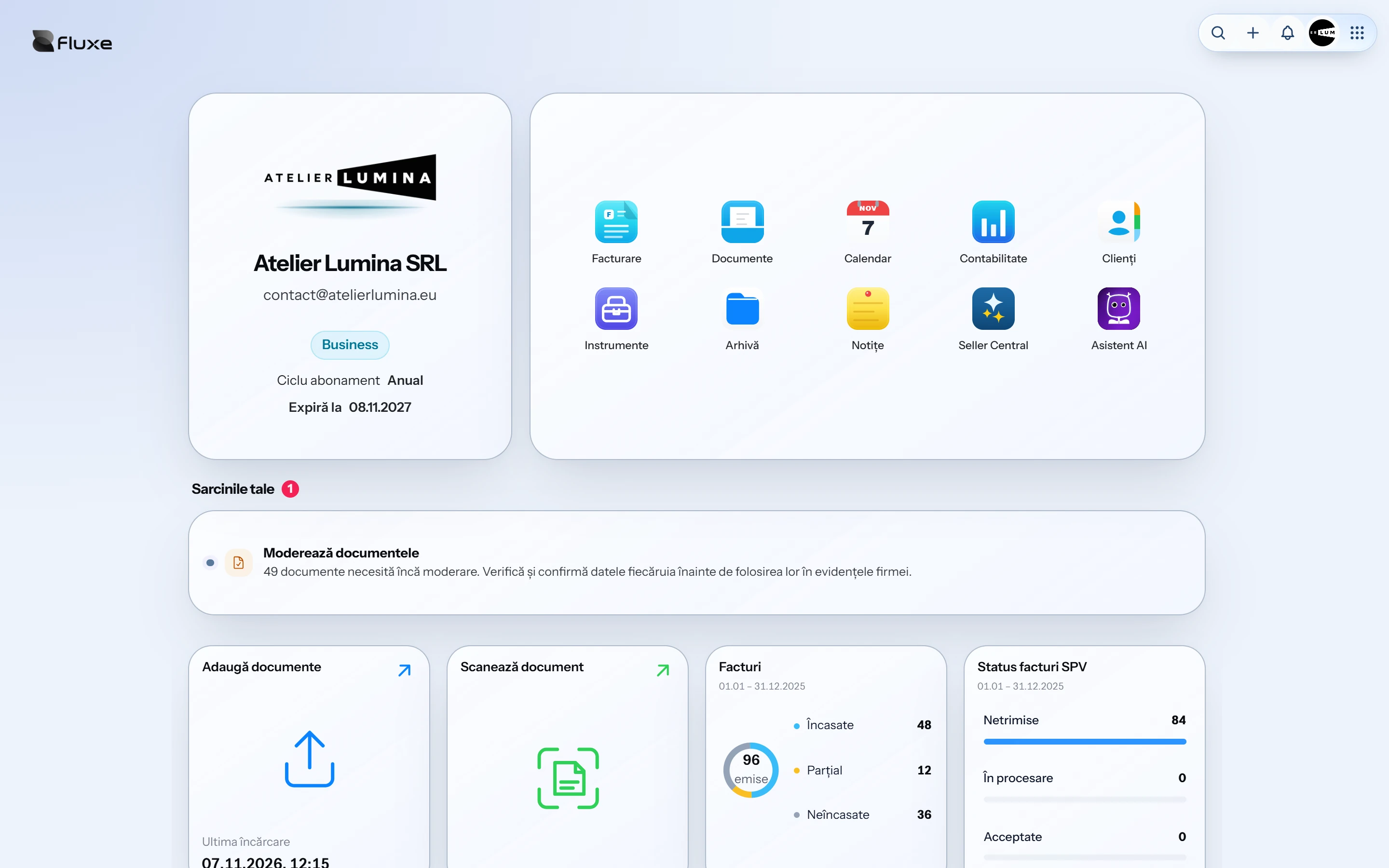
Issue invoices, track receipts, manage stock and prepare company paperwork. Save customer and product details so you do not re-enter them for every document. Access records, Calendar, Archive and Notes in one account.
Facturare covers invoicing and stock management. Profesional adds document templates, an archive and automatic data extraction for 200 documents a month. Business includes Accounting, Fluxe AI and access for one accountant, and removes the 200-document limit. eMAG and WooCommerce modules are purchased separately for each store.
Yes. Set up your company SPV access, then send invoices from Fluxe and track their submission status. Before issuing and sending, check the customer, products, amounts and VAT treatment.
Apply a drawn or uploaded handwritten signature and request a partner signature through a PIN-protected link. Handwritten signing in Fluxe is not a qualified electronic signature.
The assistant helps you find documents, check outstanding receivables and prepare invoices directly in the conversation. You review the details and confirm actions before anything is saved or issued.
Keep documents and records in one place, with access for one accountant included in Business. Review automatically read data before approval. Your accountant checks entries and the accounting and tax treatment of transactions.
Use Facturare to issue invoices and track payments. Profesional adds document tools and an archive. Business includes Accounting, Fluxe AI and access for one accountant.
Compare subscriptions